Are you looking for the best productivity tool for developers? You are on the right page. As a developer, you need to stay sharp, focused, and alert at all times. However, given the nature and complexity of your work, it’s normal for your mind to wander off to a happy place. That’s precisely what you would want to avoid.
So what sets the more productive developers apart from the less productive ones? Well, the difference lies in which productivity tools for programmers you use for software development. The worst case is that you don’t use any productivity software for programmers. Overall, programmers, developers, and coders need to use some sort of application (s) to stay efficient and productive.
Whether you are an individual coder or work in an organization, productivity tools for developers are a must-have for you. In today’s post, I will give you the best one. Plus, we will also discuss the types of tools available for developers to stay on their toes.
Types of Productivity Tools for Developers
As I promised before, here are the different types of developer tools for productivity, each with a unique application in the software development process. From tracking work to simplifying unnecessary coding complexities, these developer productivity tools and software solutions help a lot.
- The first ones are code editors, IDEs, and assistants. These are the foundations for developing anything as they provide an integrated platform for coding, debugging, testing, and editing.
- Next comes the development environments, which ensure that your developers are writing code and not managing infrastructures.
- Other than coding, developers also need to organize tasks, track progress, and ensure smooth team communications, for which there are project management and collaboration tools.
- For crafting compelling visual designs and improving the UI/UX of their applications, developers use design and prototyping tools.
- To quickly identify and fix bugs and other code issues, you need to use debugging tools.
- Developers can ship code faster by reusing standard components using abstractions and frameworks
- Deployment tools ensure stability and performance.
| DeskTrack Fact |
| Did you know that according to a Forbes Report, developers who used productivity tools stayed more focused, worked more efficiently, and helped boost company profitability by 21%? |
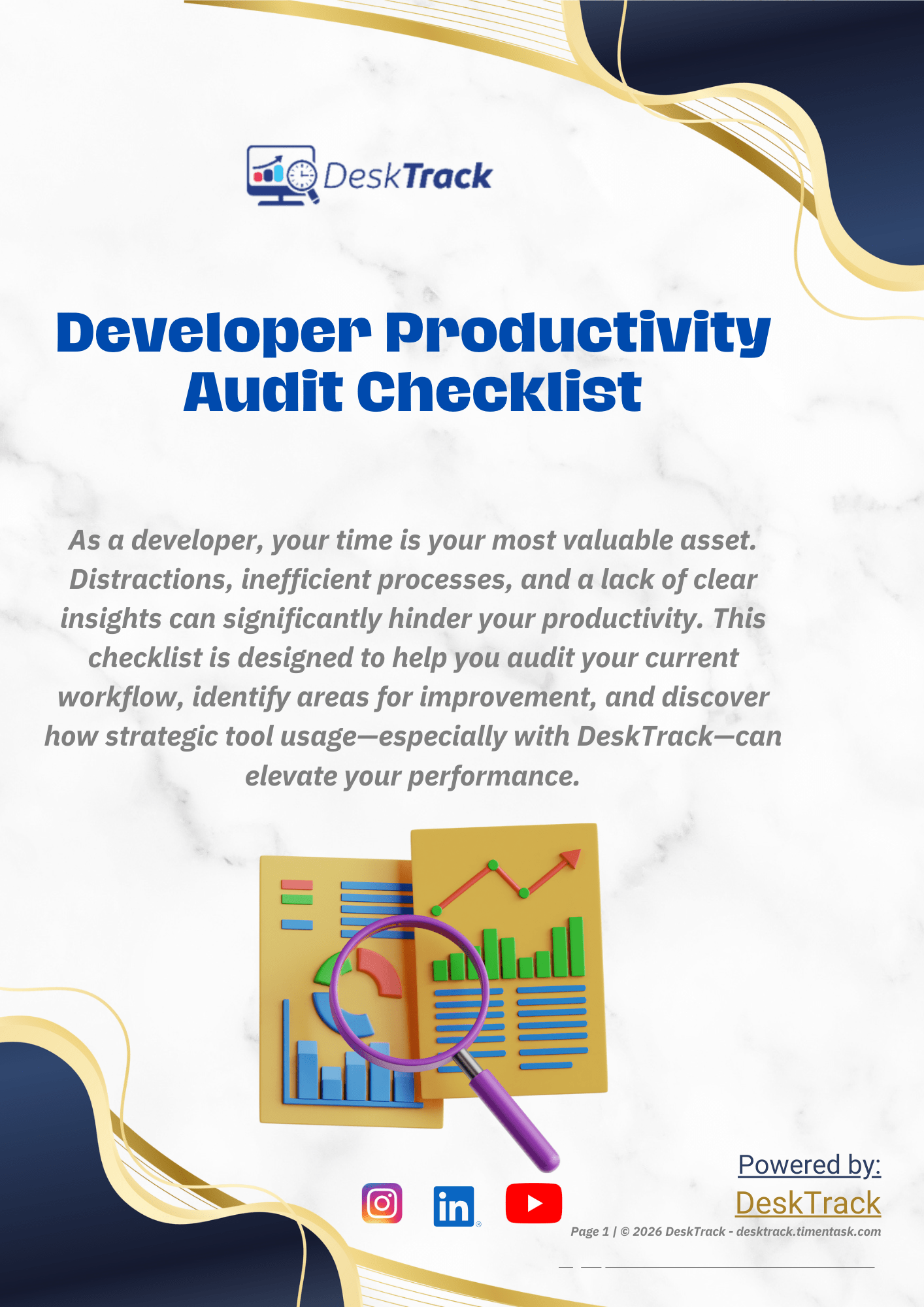
Free Developer Productivity Audit Checklist
Download this accurate and reliable Developer Productivity Audit Checklist to identify the specific bottlenecks holding your performance back today!
Best 10 Productivity Tools for Developers
Next, you and I will take a look at the top 10 productivity tools for developers that made the cut to my expert-made shortlist. Here, I have given you an overview, the pros, cons, supporting operating systems, and initial pricing of each tool to help you make a wise choice in choosing the best option as per your requirements.
| Software Name | Most Affordable Paid Plan | Availability | User Rating |
| DeskTrack | $5.99/user/month | Windows, macOS, Linux, Android, iOS | 5/5 |
| Clockify | $5.49/user/month | Android, iOS, Web, macOS, Windows, Linux | 4.8/5 |
| Pumble | $2.49/user/month | Android, iOS, Web, macOS, Windows, Linux | 4.7/5 |
| Plaky | $3.99/user/month | Android, iOS, Web | 4.9/5 |
| musicForProgramming | Quote on contact | Web | 4.5/5 |
| ClickUp | $7/user/month | Android, iOS, Web, macOS, Windows, Linux | 4.6/5 |
| Focusmate | $6.99/month | Android, iOS, Web | 4.5/5 |
| Figma | $3/month | Android, iOS, Web, Windows, macOS | 4.7/5 |
| IntelliJ IDEA | $60/user/month | Windows, macOS, Linux | 4.7/5 |
| Visual Studio Code | Quote on contact | macOS, Windows, Linux | 4.8/5 |
1. DeskTrack
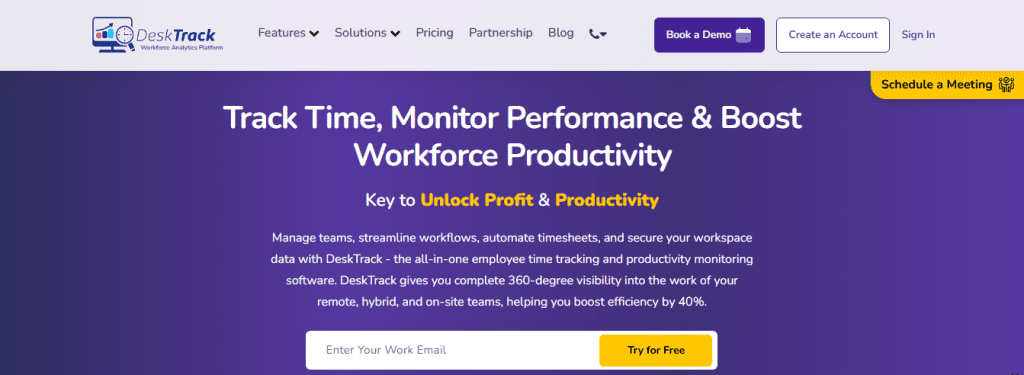
DeskTrack is an employee monitoring software solution for real-time insights. DeskTrack ensures that your employees work when they are supposed to. This integrated time tracking, employee monitoring, productivity tracking, and project management platform is the best for tracking the work of your in-office, remote, and on-site teams. Although there are other tools of similar types as well, what sets its productivity tools for programmers and everyone apart is that it gives you real-time updates of the workflow in your organization.
Pros:
- Real-time time tracking
- Accurate visual productivity reporting of work-time utilization and employee work performance.
- Features only take a few clicks to function. For instance, the one-click start/pause/stop task timer.
- Seamless integrations with the other tools and apps you use.
- Customizable screenshot monitoring frequency (minimum 5 min, and can be increased as per your requirements)
Cons:
- None.
| Most Affordable Paid Plan | Availability | User Rating |
| $5.99/user/month | Windows, macOS, Linux, Android, iOS | 5/5 |
Boost your Developer’s Productivity Now ➡
2. Clockify

Clockify is a free and simple time tracking web app for unlimited users. Clockify helps you improve developer productivity by tracking the time you and your programming teams spend on various tasks. It is one of the most efficient time tracking software and indirect productivity tools for programmers, which lets you effortlessly log work hours and track project progress regardless of the size of your team.
Pros:
- Ensures accurate timekeeping by reminding users to log work hours (if they forget).
- Integrates with over 80 web apps.
Cons:
- Additional advanced features are only available in paid plans.
- Lacks the feature to import and access user information.
| Most Affordable Paid Plan | Availability | User Rating |
| $5.49/user/month | Android, iOS, Web, macOS, Windows, Linux | 4.8/5 |
3. Pumble
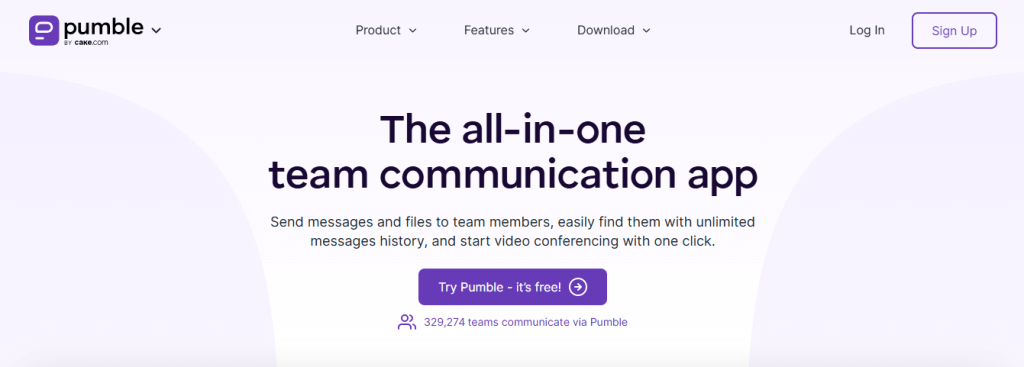
Pumble is a free team communication tool from cake.com. Pumble is one of the best productivity tools for developers, which claims to make your and your developer teams’ work and life much easier. What I like about this software engineer productivity tool is that it lets you communicate with your team members and search for crucial information using various methods.
Pros:
- Provides you with the guest role access to collaborate with people outside your organization, with limited access to channels.
- The draft feature allows you to edit messages before sending them.
Cons:
- Extra features are only available in the paid plans.
- Doesn’t integrate with Jira.
| Most Affordable Paid Plan | Availability | User Rating |
| $2.49/user/month | Android, iOS, Web, macOS, Windows, Linux | 4.7/5 |
4. Plaky
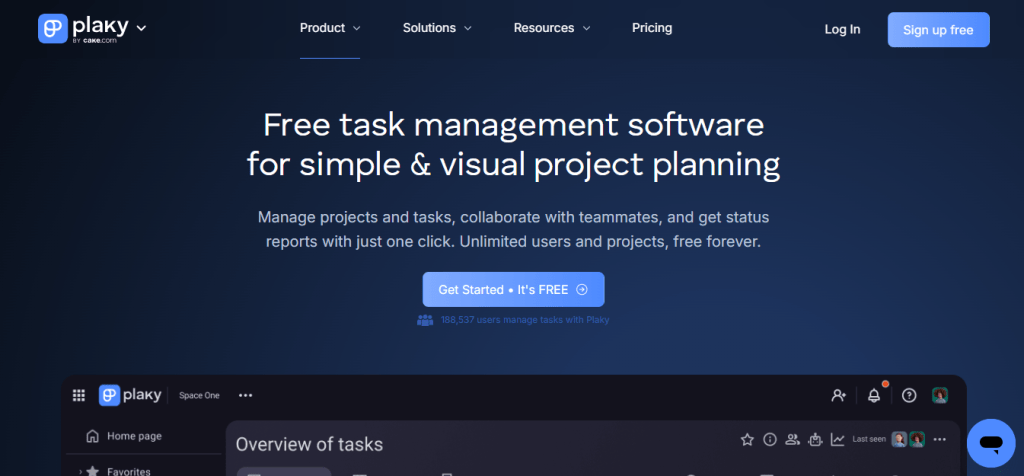
Plaky is a free project management application from Cake. It is one of the best engineering productivity tools for programmers who want an easy way to track their assignments and also view what others are working on at any time. However, what makes it stand apart is that it doesn’t have any lag and provides you with robust features.
Pros:
- Allows you to track all the items and/or whole board changes.
- Provides a Gantt Chart view for efficiently planning, tracking, and adjusting project timelines.
Cons:
- Doesn’t have a calendar view.
- Additional options are available in paid plans only.
| Most Affordable Paid Plan | Availability | User Rating |
| $3.99/user/month | Android, iOS, Web | 4.9/5 |
5. musicForProgramming
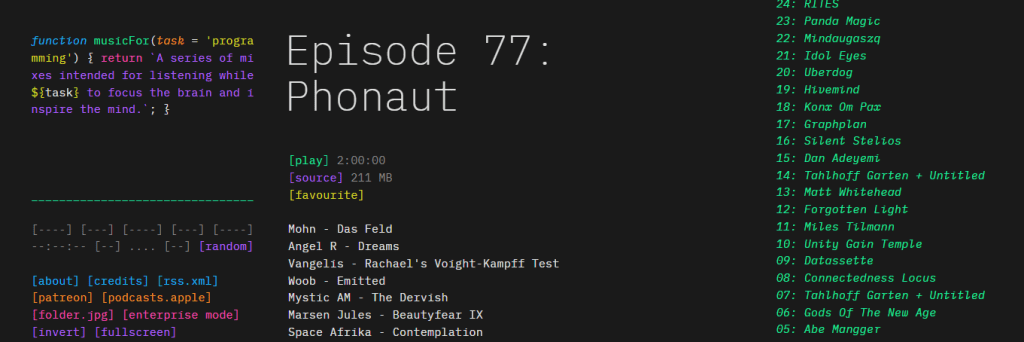
musicForProgramming is a focus tool for programmers. It is designed to improve focus and provide better output. However, not directly. What it does is provide you with a collection of primarily instrumental mixes made with programmers in mind. Furthermore, what I truly find interesting about this software developer productivity tool is that the interface also looks like a programming language. So, as a developer, I was able to visually link it to my work while testing out its features.
Pros:
- It’s free of cost.
- An ad-free experience for continuous, uninterrupted music to increase concentration.
Cons:
- Lacks the option to play tracks separately.
- The interface can be challenging to navigate till you get used to it.
| Most Affordable Paid Plan | Availability | User Rating |
| Quote on contact | Web | 4.5/5 |
6. ClickUp

ClickUp is a pure employee monitoring and productivity tracking software. What I like about it is that it has been designed to work for everyone, including solo programmers and large businesses.
Pros:
- Integrates with other well-known productivity tools.
- Provides you with a KPI tracking template, which you can use to define KPIs.
Cons:
- Time-consuming setup.
- Lacks phone support.
| Most Affordable Paid Plan | Availability | User Rating |
| $7/user/month | Android, iOS, Web, macOS, Windows, Linux | 4.6/5 |
7. Focusmate
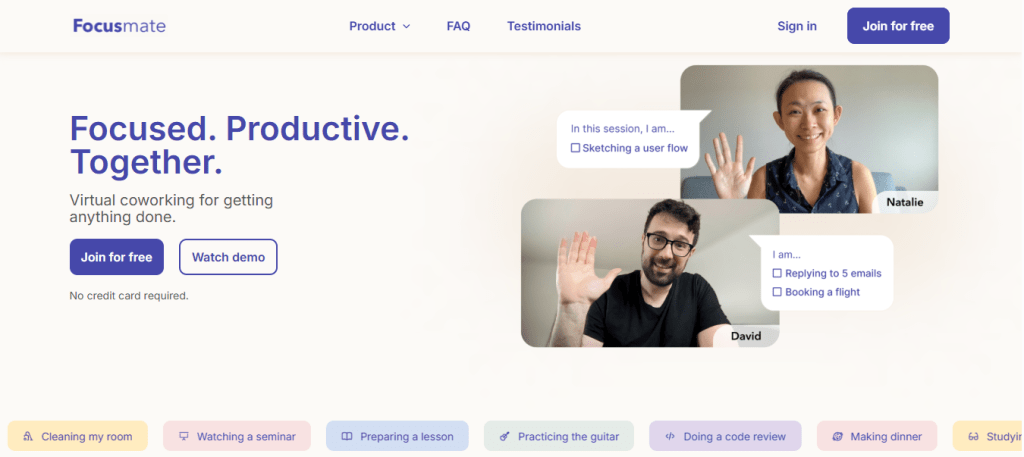
Focusmate is an online coworking virtual community. So if you are a freelance developer, procrastinating or worried about overthinking instead of coding, then Focusmate is for you. Simply put, it is a coworking virtual community where you get assigned a work buddy, whose job is to ensure that you both stay focused on your tasks. That is, both of you help each other stay focused and efficient.
Pros:
- Work buddies are worldwide, making it easy to find someone to work with at any time.
- Provides screen sharing, optional background blurring, and adds background effects.
Cons:
- Sends too many emails.
- Doesn’t provide you with accountability groups.
| Most Affordable Paid Plan | Availability | User Rating |
| $6.99/month | Android, iOS, Web | 4.5/5 |
8. Figma
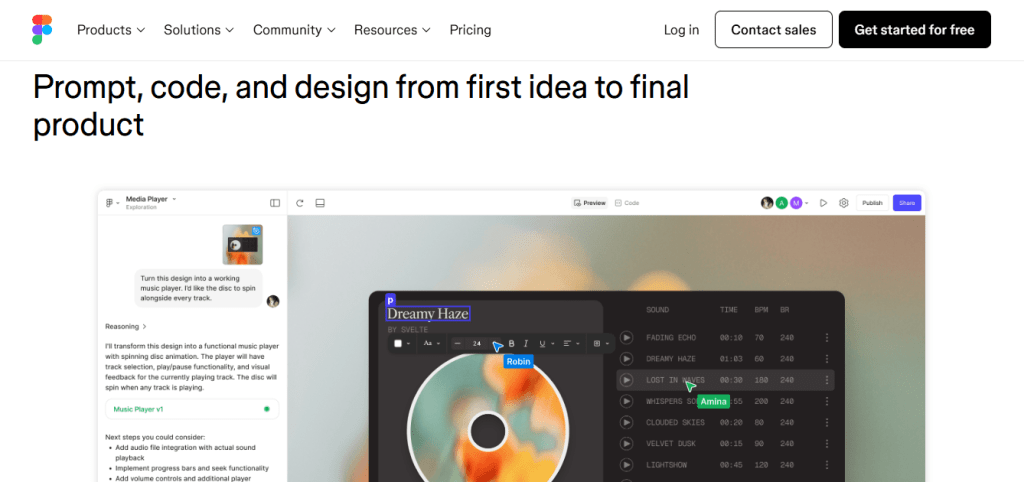
Figma is a team collaboration tool for developers. This software primarily focuses on helping software engineering teams collaborate on design and development decisions, ensuring that they build stunning products together, working simultaneously. What I like about this tool is that it simplifies and makes easy the process of:
- Wireframe creation.
- Building mockups.
- Developing interactive prototypes for user testing.
Pros:
- Easily extract code snippets from Figma design files.
- Modern and intuitive user interface.
Cons:
- Limited online capabilities.
- Laggy at times.
| Most Affordable Paid Plan | Availability | User Rating |
| $3/month | Android, iOS, Web, Windows, macOS | 4.7/5 |
9. IntelliJ IDEA
IntelliJ IDEA is a Kotlin and Java-integrated IDE. It provides you with a multitude of functionalities, which assist you in programming across various frameworks and languages.
Pros:
- Provides you with amazing syntax highlighting options.
- Integrates with popular container orchestration tools.
Cons:
- Expensive.
- It takes beginners time to understand how to use the advanced features.
| Most Affordable Paid Plan | Availability | User Rating |
| $60/user/month | Windows, macOS, Linux | 4.7/5 |
10. Visual Studio Code
Visual Studio Code is a cross-platform code editor and developer workflow tool. Another one of the best productivity tools for developers in the IDE (integrated development environment) category is Visual Studio Code. Also known as VS Code, it helps your programmers with many tasks, including:
- Debugging
- Version control
Pros:
- Lightweight code editor.
- You can build your extension for VS Code
Cons:
- Steep learning curve.
- Requires more configurations.
| Most Affordable Paid Plan | Availability | User Rating |
| Quote on contact | macOS, Windows, Linux | 4.8/5 |
Ready to revolutionize your team’s efficiency?
Limited slots are available for a personalized demo. Schedule it today and discover how DeskTrack can transform your productivity before our calendar fills up.
Use DeskTrack to Skyrocket Your Team’s Productivity
Take the productivity of your teams to the next level with the all-seeing eye of DeskTrack. This time, project, employee activity, and productivity monitoring software provides you with the most accurate real-time insights into the work-time utilization, efficiency, and productivity of your employees. With its multitude of features, including customizable screenshot monitoring, maintaining the work and workflow integrity just got simpler than ever.
Frequently Asked Questions (FAQ)
productivity-tools-for-developers
Ans. Productivity tools for developers optimize coding, decrease errors, and improve teamwork. Developers save time, focus on complex problem-solving, and efficiently manage time and projects using these tools.
Ans. The many benefits of using productivity tools for developers include:
- Increased productivity
- Fewer bugs and errors
- Improved developer focus and efficiency
- Fewer operational expenses
- More efficient time management throughout the various development phases
Ans. The best project management software for developers includes:
- DeskTrack
- Jira
- ClickUp
- Zoho Sprints
- GitHub
Ans. Well-known cloud-power collaboration tools are:
- DeskTrack
- GitHub
- GitLab
- Trello
- Slack
Ans. Go for a time tracking app that can seamlessly blend into your workflow, provides scalability and adaptability, supports multiple devices and operating systems, is highly customizable, and is cost-effective.
Ans. The top 10 development tools for programmers include:
- DeskTrack
- Clockify
- Pumble
- Plaky
- musicForProgramming
- ClickUp
- Focusmate
- Figma
- IntelliJ IDEA
- Visual Studio Code