Picture this: It’s Friday afternoon. You’ve had back-to-back client calls, drafted two motions, reviewed a deposition transcript, and fielded a dozen emails. You sit down to log your hours — and realize you can’t remember exactly when anything started or stopped.
Sound familiar? You’re not alone.
Studies show that lawyers lose an average of 1.5 to 2 billable hours every single day because of poor time tracking. At even modest billing rates, that’s tens of thousands of dollars walking out the door annually — per attorney.
Manual timesheets, sticky notes, and memory simply can’t keep up with the pace of modern legal practice. The answer isn’t working harder. It’s working smarter — with dedicated time tracking software for lawyers that captures every billable minute, automatically
Ready to Recover Your Lost Revenue?
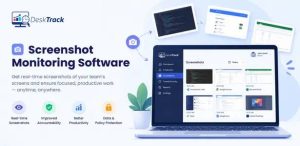
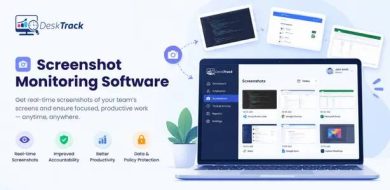
See exactly how DeskTrack captures every billable second — without any manual effort.
The Real Problems Lawyers Face with Time Tracking
Before we talk solutions, let’s name the problems honestly. These aren’t just inconveniences — they’re revenue leaks and compliance risks.
1. Forgotten Time = Lost Revenue
Most attorneys reconstruct their day at the end of the week. By then, 30–40% of billable activity has simply vanished from memory. A client call you took while walking to your car. Research you did at 9 PM. Those minutes add up fast.
2. Inaccurate Timesheets Trigger Disputes
When clients receive vague or inconsistent billing entries, they push back. Disputes damage client relationships, delay payment, and consume more non-billable time in resolution — a double loss.
3. No Separation Between Billable and Non-Billable Work
Without proper attorney time tracking software, it’s nearly impossible to see how much time is spent on admin, internal meetings, or business development versus actual client work. This blind spot crushes realization rates.
4. Manual Entry is Slow and Error-Prone
Typing time logs manually into spreadsheets or generic apps is tedious, inconsistent across team members, and prone to rounding errors. It also creates no audit trail if a billing dispute arises.
5. Compliance and Ethical Risks
Inaccurate trust accounting tied to time and billing can expose your firm to bar council violations. Legal time recording software with proper audit trails protects you — manual logs don’t.
What is Time Tracking Software for Lawyers?
Legal time tracking software is a specialized application that records, categorizes, and reports on how attorneys and legal staff spend their working hours. Unlike generic time tracking software, lawyer-specific tools are built around billable hours, matter-based tracking, and legal billing standards like LEDES and UTBMS.
There are two core approaches:
- Active tracking: You manually start and stop a timer as you switch tasks. Good for attorneys who prefer control.
- Passive (automated) tracking: The software runs silently in the background, recording app usage, documents opened, websites visited, and time spent — then auto-populates your timesheet. Users save 15+ hours per month on average.
Most modern attorney time tracking software supports both methods, giving your team flexibility based on their working style.
| 💡 DeskTrack Insight
DeskTrack’s automated timesheets use passive tracking to capture every minute of client work — even when you forget to hit ‘start’. Screenshot monitoring provides visual proof of work activity, which is invaluable if a billing dispute ever arises. |
Read Also: Top 15 Timekeeping Software for Employees in 2026
Key Features to Look for in Legal Time Tracking Software
Not all time tracking tools are built equal. Here’s what separates good lawyer time tracking apps from great ones.
1. Automated Timesheet Generation
The best attorney time tracking software generates timesheets automatically from activity data. No more end-of-week reconstruction. Hours are logged in real time, organized by client and matter, and ready to review with a single click.
2. Billable vs. Non-Billable Hour Separation
Your legal time tracking software must clearly separate billable and non-billable hours. This clarity directly improves realization rates and gives you an accurate picture of firm profitability. DeskTrack, for example, lets you tag and filter time entries by category so nothing gets miscategorized.
3. Project-Based Time Tracking
Legal work is matter-based. Your software should allow project-based time tracking — associating every time entry with a specific client, case, or matter. This makes invoicing accurate and dispute-proof.
4. Screenshot Monitoring & Activity Proof
For remote teams and hybrid firms, screenshot monitoring provides visual evidence of work completed. This isn’t about surveillance — it’s about having an audit trail that protects both the firm and the client in billing disputes.
5. Productivity Tracking & KPI Reporting
Realization rates, utilization rates, matter profitability — these KPIs require robust productivity tracking software built into your time tracking solution. Great reporting tells you not just what happened, but where your firm is underperforming.
6. Expense Tracking & Invoicing
Filing fees, travel costs, expert witnesses — expenses need to be tied to matters just like time entries. The best legal time recording software combines time and expense tracking, then generates LEDES-compliant invoices automatically.
7. Project Management Integration
When your time tracker connects with project management tools, task assignments automatically trigger time logging. This reduces manual input and ensures no work falls through the cracks.
8. Mobile Access
Lawyers are rarely desk-bound. Your lawyer time tracking app must work seamlessly on mobile — for court days, client meetings, and travel time — with the same accuracy as the desktop version.
| Feature | Why It Matters for Lawyers |
| Automated Timesheets | Eliminates end-of-week reconstruction; captures passive activity |
| Billable Hour Separation | Protects realization rates; simplifies invoicing |
| Screenshot Monitoring | Provides work-proof audit trail for billing disputes |
| LEDES/UTBMS Compliance | Ensures invoices pass corporate client review without rejection |
| Mobile App | Tracks time during court appearances, client visits, travel |
| Productivity Reports | Reveals utilization gaps and unprofitable matters early |
See All Features Built for Law Firms
DeskTrack starts at just $5.99/user/month — less than 6 minutes of billable time.
Benefits of Using Lawyer Time Tracking Software
The ROI of implementing the right time tracking software for attorneys is immediate and measurable.
- Recover lost revenue: Capturing just 30 extra minutes of billable time per day at $300/hour adds $37,500 annually per attorney.
- Faster invoicing, faster payment: Automated timesheets mean invoices go out faster. Clients who receive bills quickly pay quickly — collection rates improve by 25–35% on average.
- Fewer billing disputes: Detailed, timestamped entries with activity proof dramatically reduce client pushback on invoices.
- Better firm visibility: Know which matters are profitable, which attorneys are overloaded, and where your firm is leaving money on the table.
- Compliance confidence: Proper audit trails and trust accounting integration keep your firm on the right side of bar council regulations.
- Team morale: Attorneys who know their time is being captured accurately feel fairly compensated — reducing burnout and turnover.
How to Choose the Best Time Tracking Software for Attorneys
With dozens of options on the market, narrowing down your choice comes down to three evaluations.
Step 1 — Match to Firm Size and Role Needs
Solo practitioners need something simple and fast. Mid-size firms need multi-user management, role-based access, and consolidated reporting. Large firms need enterprise scalability, integrations, and detailed KPI dashboards. Always check whether licensing scales reasonably as you grow.
Step 2 — Audit Your Billing Workflow
Map out how billable and non-billable hours currently flow from capture to invoice. Identify exactly where time is being lost. Then choose attorney time tracking software that plugs those specific gaps — whether that’s passive tracking, better mobile access, or automated invoice generation.
Step 3 — Evaluate These Non-Negotiables
Whatever tool you shortlist, confirm it delivers on:
- Accuracy — passive tracking with no manual gaps
- Flexibility — supports both timer-based and manual entry
- Integration — connects with your billing, payroll, and case management tools
- Reporting — gives you matter-level, attorney-level, and firm-level visibility
- Security — encrypted data storage and role-based access controls
- Support — responsive team that understands legal workflows
| 📊 Industry Context
According to the American Bar Association’s Legal Technology Survey, firms that adopt dedicated legal time tracking software report a 23% improvement in billing realization rates within the first six months of use. The investment pays for itself within weeks. |
Comparing the Top 5 Legal Time Tracking Software in 2026
| Software Name | Top Feature | Most Affordable Paid Plan | User Rating |
| DeskTrack | Automated timesheets | $5.99/user/month | 5/5 |
| ClickUp | Global timer | $7/user/month | 4.6/5 |
| Clio | Direct time recording from various sources | $49/user/month | 4.7/5 |
| MyCase | Common billable activities detection | $39/user/month | 4.7/5 |
| Bill4Time | Simultaneously runs multiple timers | $27/user/month | 4.8/5 |
Here are the must-try timekeeping software for attorneys.
- DeskTrack
- ClickUp
- Clio
- MyCase
- Bill4Time
1. DeskTrack
DeskTrack is the best all-in-one time billing software for lawyers. More than a simple time tracker, it is the best and most customizable screenshot monitoring, time tracking, productivity monitoring, and project management integration for onsite, in-office, and remote teams.
Key Features:
- Application tracking
- Working and idle hours calculation
- URL tracking
- Email Reporting
- Roster management
- Task logger
Advantages:
- Automated timesheets and timers that save valuable time
- Accurate real-time work hours monitoring to get updates on the go
- Seamless integrations to add more functionality and save costs
- Real-time employee activity monitoring and project management
- Accurate analysis and reporting for measuring productivity
Disadvantages:
- None
| Top Feature | Most Affordable Paid Plan | User Rating |
| Automated timesheets | $5.99/user/month | 5/5 |
2. ClickUp

Need time tracking software for lawyers, which is also a productivity monitoring tool? We recommend ClickUp. What we like about this one is the global timer, which lets you monitor work hours from any device. This is good for lawyers as they are always on the run.
Key Features:
- Recurring checklists
- Reminders
- Custom fields
- Custom statuses
- 2-way calendar sync
Advantages:
- Monitor work hours from any device
- Integrate with other tools for tracking time
- Organize time entries
- Generate custom reports
- View estimates vs real-time
- Sync time entries for team viewing
Disadvantages:
- Too complex
- The Android app is not good
| Top Feature | Most Affordable Paid Plan | User Rating |
| Global timer | $7/user/month | 4.6/5 |
3. Clio
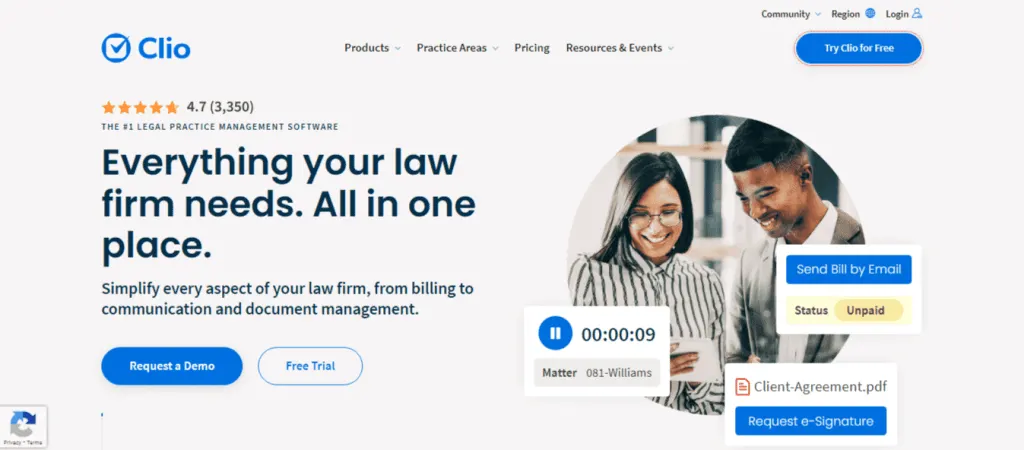
This software for law firm time tracking is primarily a cloud-based legal practice management tool with powerful work-hour tracking capabilities. What we like about this one is that you can directly record time from various sources, including calendars. This is great for lawyers in case they forget to use the time tracker.
Key Features:
- Calendaring
- Case management
- Accounting
- Billing
- Appointment booking
- Client Intake
Advantages:
- Mobile, browser, and web portal time recording
- Record time directly from different sources
- Concurrently run timers across devices
- Add and adjust time entries
- Categorize and filter for reporting and analysis
- Seamlessly integrate entries into invoices
Disadvantages
- The Document automation feature needs an update
- Steep learning curve
| Top Feature | Most Affordable Paid Plan | User Rating |
| Direct time recording from various sources | $49/user/month | 4.7/5 |
4. MyCase
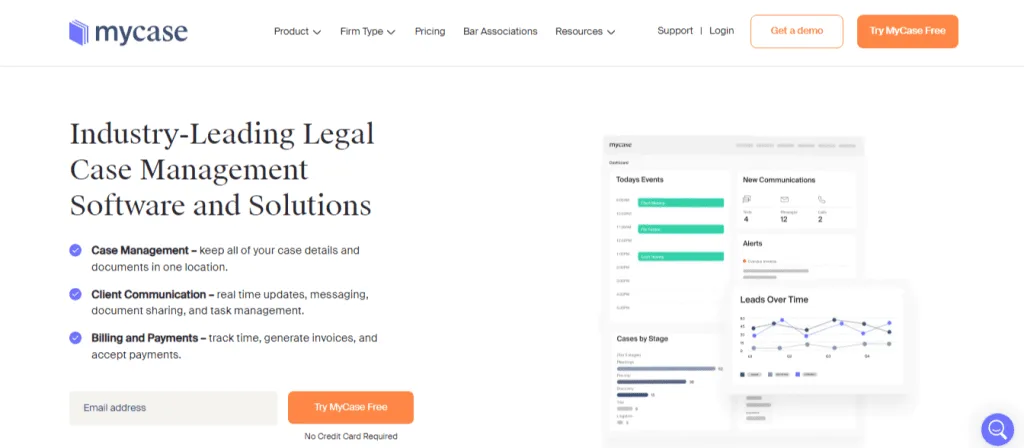
The next time tracking software for lawyers on our list is another cloud-based legal practice management tool. What we like about it is that it can detect common billable and non-billable activities from time entries. This can save valuable time for attorneys.
Key Features:
- Calendaring
- Document management
- Time and expense tracking
- Billing and invoicing
- Client Portal
- Built-in text messaging
Advantages:
- Track time across devices
- Detect common billable entries
- Directly connect time entries to corresponding matters
- Consolidate time entries into accurate invoices
- Track flat fees and pro bono cases with non-billable time
Disadvantages:
- It can get glitchy at times
- The new user interface is terrible
| Top Feature | Most Affordable Paid Plan | User Rating |
| Common billable activities detection | $39/user/month | 4.7/5 |
5. Bill4Time
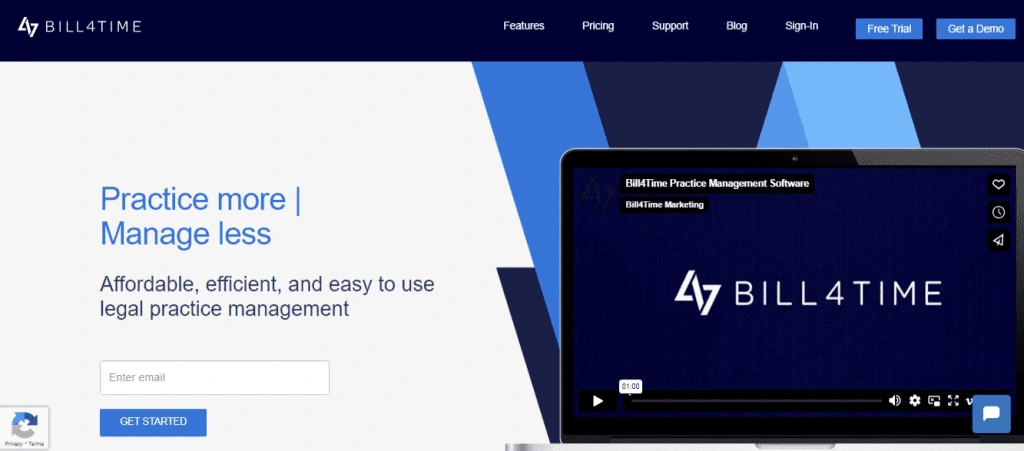
Bill4Time is a time entry software for law firms, which is simple yet powerful. Plus, lawyers can also retrieve lost billable time from it. Moreover, what we like about this one is that you can simultaneously run multiple timers.
This is an advantage for lawyers studying many cases at the same time.
Key Features:
- Time tracking
- Expense tracking
- Billing and invoicing
- Client Portal
- Client management
- Project management
Advantages:
- Simultaneously run multiple timers
- Review daily or weekly time summaries
- Increase efficiency (custom activity types)
- Integrates with other tools
Disadvantages:
- Limited features
- Needs more custom reporting
| Top Feature | Most Affordable Paid Plan | User Rating |
| Simultaneously runs multiple timers | $27/user/month | 4.8/5 |
Read Also: 10 Best Construction Time Clock Apps for Organizations in 2026
Why DeskTrack is the Smartest Choice for Law Firms
DeskTrack was built for teams where every minute has a dollar value — and legal firms sit at the top of that list. Here’s why thousands of professionals trust it:
- Automated timesheets: DeskTrack silently tracks every app, document, and website in real time. By end of day, your timesheet is already populated — zero reconstruction required.
- Screenshot monitoring with proof: Periodic screenshots create an irrefutable audit trail. If a client questions a billing entry, you have visual proof ready in seconds.
- Productivity tracking software built-in: Real-time dashboards show utilization rates, idle time, and matter-level activity — the KPIs that drive firm profitability.
- Seamless project management integration: Connect DeskTrack with your existing tools so time logging flows naturally alongside task management.
- Affordable at scale: Starting at $5.99/user/month, DeskTrack delivers enterprise-grade legal time tracking at a price that makes sense for firms of all sizes.
- Mobile-first: The DeskTrack mobile app tracks attendance and billable hours on the go — from the courthouse, client office, or home.
Most importantly, DeskTrack doesn’t just tell you what happened — its reporting tells you why performance is trending up or down, and what to do about it.
Conclusion
Every minute you spend practicing law has value. The question is whether your firm is actually capturing all of it. Time tracking software for lawyers isn’t a luxury — it’s the infrastructure that turns your expertise into revenue, your work into auditable records, and your firm into a well-run business.
The right attorney time tracking software eliminates the daily revenue leak, reduces billing disputes, and gives you real visibility into firm performance. DeskTrack delivers all of this at a price that makes immediate ROI a reality — not a promise.
Don’t let another day of billable hours disappear. Start your free trial, book a personalized demo, or explore our pricing to see exactly what DeskTrack can do for your firm.
Frequently Asked Questions (FAQ)
time-tracking-for-lawyers
Ans. It’s a specialized application that automatically records, categorizes, and reports on attorney work hours — separating billable from non-billable time, tying entries to specific client matters, and generating compliant invoices. Unlike generic tools, legal time tracking software is built around law firm billing standards and workflows.
Ans. Research consistently shows attorneys lose 1.5 to 2 hours of billable time daily when relying on manual methods. Over a year, that’s 300–400 hours per attorney — potentially $90,000–$120,000 in lost revenue at typical billing rates.
Ans. Active tracking requires attorneys to manually start and stop timers as they switch tasks. Passive (automated) tracking runs silently in the background, recording all activity without interrupting work. Passive users report saving 15+ hours per month and capturing significantly more billable time than active-only users.
Ans. The essentials are: automated timesheet generation, billable vs. non-billable hour separation, matter-based (project) tracking, mobile access, LEDES/UTBMS-compliant invoicing, productivity reporting, and integration with your existing billing and case management tools.
Ans. Yes, when implemented transparently. Passive tracking is disclosed to employees and captures the same information attorneys would log manually, just more accurately. It actually improves billing ethics by reducing rounding and inflated estimates, giving clients more precise invoices.