Most construction companies lose money every single day simply because field crews forget to log hours properly or struggle with messy, manual paperwork.
If your firm experiences more than a 2% variance between estimated field labor hours and actual payroll costs, your tracking methodology is actively leaking project margins.
In 2026, managing complex commercial, residential, or heavy civil infrastructure projects requires clear, automated visibility
Labor margins are tighter than ever, material costs remain highly unpredictable, and labor compliance audits are growing increasingly strict. Reliance on text-message timesheets, manual field books, and verbal approximations is an operational liability.
To help you protect your bottom line, streamline payroll, and maintain compliance, we field-tested and audited the 10 absolute best construction time tracking apps on the market this year.
Quick Summary: The Best Construction Time Clock Apps at a Glance
Short on time? Here is a quick breakdown of how the top platforms stack up based on specific operational needs:
| Application Platform | Primary Edge & Best For | Key Integrations | Key Advantage |
| DeskTrack | Best Overall: Automated process tracking & real-time productivity | Procore, Sage, QuickBooks, Custom APIs | Eliminates human reporting errors completely via background tracking. |
| ExakTime | Heavy Civil & Infrastructure Hardiness | Viewpoint Spectrum, Foundation | Rugged design with biometric photo-verification. |
| ClockShark | Specialty Trades & Mobile Routing | Sage 100, Xero | GPS breadcrumb tracking and drag-and-drop job schedules. |
| QuickBooks Time | Small Teams using QuickBooks | Intuit Ecosystem Exclusive | Seamless, native accounting and payroll reconciliation. |
| Raken | Daily Field Logs & Documentation | Autodesk Construction Cloud | Connects time tracking directly to compliance logs. |
| Busybusy | Heavy Equipment & Asset Costing | Procore, Acumatica | Tracks machinery runtime side-by-side with labor. |
| Hubstaff Field | Fleet Tracking & Logistics | Asana, Paychex | Real-time transit maps and automated geo-fences. |
| Buddy Punch | Simple Crew Biometrics | Gusto, ADP | Centralized job-site kiosk with facial recognition. |
| Workmax Time | Enterprise Scale & Multi-Union Rules | Sage 300 CRE, Microsoft Dynamics | Advanced rule engine for automated union overtime logic. |
Executive Action Item:
If you want to eliminate human error entirely, reduce payroll processing times, and protect your margins, Schedule a Live DeskTrack Architecture Walkthrough Today.
Why Construction Companies Need Dedicated Time Clock Apps
Using generic spreadsheet software or paper logs for field operations causes massive administrative bottlenecks. Modern construction time clock apps solve these issues by providing:
- Audit-Proof Compliance: Generates clean, uneditable historical data trails required to survive strict Department of Labor compliance audits.
- Precision Job Costing: Maps hours directly to specific sub-jobs and cost codes, ensuring estimators have accurate historical data for future bids.
- No More “Buddy Punching”: Employs geofencing and facial recognition to ensure that workers are physically present on the job site when they log time.
- Frictionless Accounting Pipelines: Feeds clean data straight into your project management ecosystems, field databases, and ERP accounting software.
Deep-Dive Evaluations of the Top 9 Solutions
1. DeskTrack
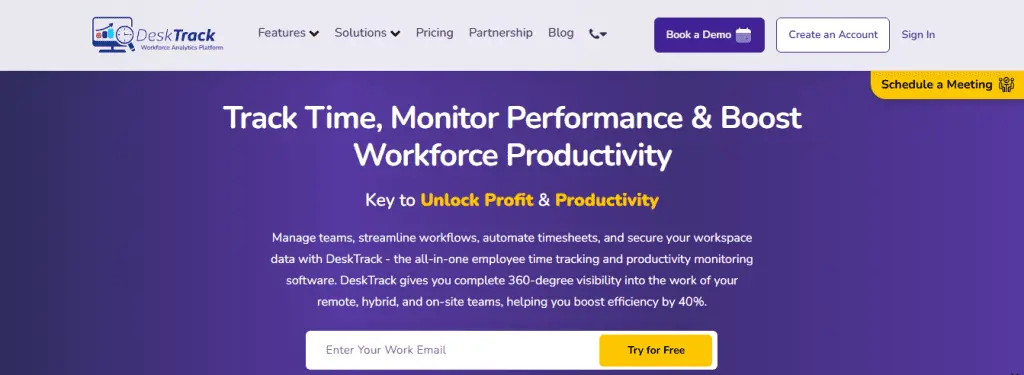
Best for: Enterprise and mid-market firms looking to eliminate human error through automated, background tracking.
DeskTrack redefines how a construction timesheet works. While traditional apps rely on busy workers to manually tap buttons throughout the day, DeskTrack runs continuously in the background. This eliminates a massive headache: human forgetfulness, which accounts for up to 14% of administrative overhead spent fixing incorrect time entries.
When an operator or engineer enters a geofenced zone, the app securely maps background location metrics against active project tasks without requiring constant manual screen time.
This gives project managers a completely honest, unfiltered look at true asset utilization versus passive standby time.
Pros: 100% automated background tracking eliminates forgotten punch-ins.
- Saves hours of manual back-office administrative cleanup every week.
- Offline mode saves data locally as an unchangeable database ledger until a signal returns.
Cons: Automated background tracking requires clear, proactive onboarding communication with crews regarding data privacy.
Key Integrations: Procore, Sage, QuickBooks, and robust Custom APIs.
2. ExakTime
Best for: Massive highway, pipeline, and remote industrial site environments.
ExakTime is built to withstand brutal outdoor environments.
The mobile app features a highly simplified, high-contrast touchscreen interface designed to be easy to use even when operators are wearing field gloves.
To eliminate buddy punching across remote crews, it requires a biometric photo-verification every single time a worker punches in.
Pros: Extremely rugged interface built for harsh weather conditions.
- Photo-verification prevents time fraud across diverse field shifts.
- Supervisors can attach voice notes and photos directly to specific labor blocks.
Cons: Lacks the advanced automated background metrics found in systems like DeskTrack.
Key Integrations: Viewpoint Spectrum, Foundation, and major construction ERPs.
3. ClockShark
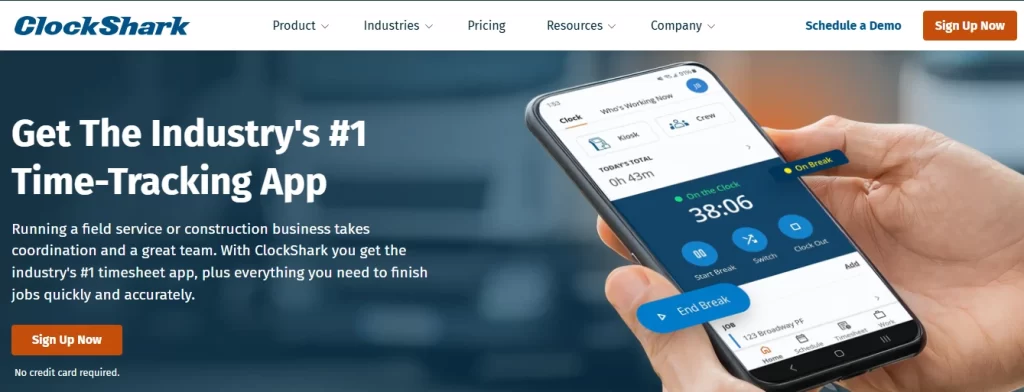
Best for: Electrical, plumbing, HVAC, and multi-site mechanical subcontractors.
ClockShark is highly optimized for trade teams managing dozens of different service locations across a city in a single day. It blends reliable time tracking with an easy drag-and-drop scheduling board. Its standout feature is the “GPSTrakker” system, which creates a compressed breadcrumb trail of mobile vehicles during active shift hours.
Pros: Visual drag-and-drop scheduling is highly intuitive for dispatchers.
- Prompts workers to pick from trade-specific cost codes when switching tasks.
- Helps dispatchers instantly find and route the closest crew to emergency service calls.
Cons: Geofence perimeters track along linear paths, which can occasionally lag on stationary sites.
Key Integrations: Sage 100, Xero, and mid-market accounting platforms.
4. QuickBooks Time
Best for: Small-to-mid-size home builders and contractors heavily anchored to QuickBooks.
Formerly known as TSheets, QuickBooks Time is the default path of least resistance if your accounting team operates almost entirely within the Intuit dashboard.
Deploying this software removes messy API configurations because field labor data flows directly into your payroll processing windows with a single click.
Pros: Flawless, direct integration with QuickBooks Online and Desktop.
- Sends simple reminders to field workers to clock in when they arrive at a job site.
- Speeds up weekly employee paychecks by removing data import steps.
Cons: Lacks specialized construction metrics like equipment diagnostics or production tracking.
Key Integrations: Exclusive to the Intuit ecosystem.
5. Raken
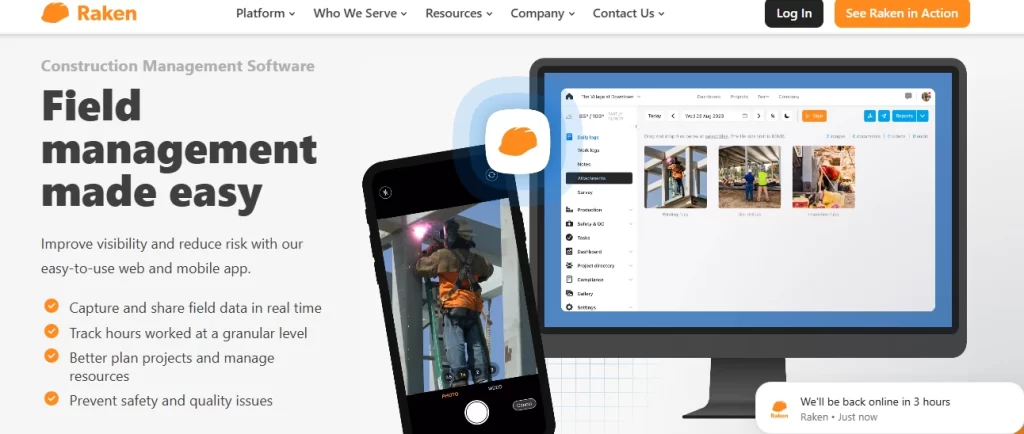
Best for: General contractors who need daily field reports tightly linked to labor hours.
Raken approaches field metrics from a project management perspective rather than a pure accounting angle.
It treats time tracking as a natural extension of the required daily log and supports general time tracking across projects and tasks.
This makes it an incredibly defensive tool for general contractors who need clear records to protect against client delivery disputes.
Pros: Superintendents can use a bulk-entry tool to quickly allocate hours for entire crews.
- Workers can dictate daily notes directly into the app while clocked into a specific zone.
- Automatically compiles weather data, safety checklists, and labor hours into a PDF.
Cons: Geofencing resolution is broad, which can cause minor overlap issues in tight urban spots.
Key Integrations: Autodesk Construction Cloud, Procore.
6. Busybusy
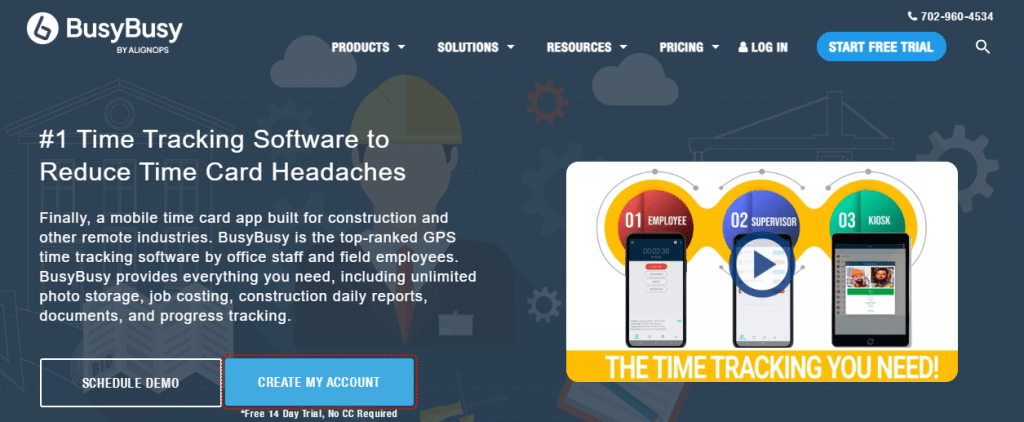
Best for: Earthwork, excavation, and asset-heavy infrastructure contractors.
In earthwork and heavy civil operations, machinery idle time can be just as expensive as labor overhead.
Busybusy addresses this pain point directly by tracking heavy equipment utilization right alongside employee hours.
When an operator logs into a site, the app lets them check into a specific machine, like a bulldozer or crane.
Pros: Ties operator hours directly to heavy machinery asset runtime.
- Advanced dashboards clearly visualize equipment costs against estimated budgets.
- Alerts project managers before a specific cost code runs into the red.
Cons: The setup process can be time-consuming due to mapping out entire heavy machinery fleets.
Key Integrations: Procore, Acumatica, and major ERP ecosystems.
7. Hubstaff Field
Best for: Large-scale concrete suppliers, logistics operations, and multi-state deliveries.
Hubstaff Field is optimized for mobile workflows where crews constantly cycle between material yards, batch plants, and active job sites. It focuses heavily on high-frequency GPS tracking, utilizing automated geofences that log time the exact moment an employee enters a site and stop the clock when they leave.
Pros: Provides clear live maps showing exact travel routes and vehicle idle times.
- Helps managers optimize fuel usage and transit schedules across the entire fleet.
- Includes invoicing tools to turn tracked hours into professional line items quickly.
Cons: Continuous high-frequency GPS tracking can drain older mobile device batteries quickly.
Key Integrations: Asana, Paychex, and various accounting plugins.
8. Buddy Punch
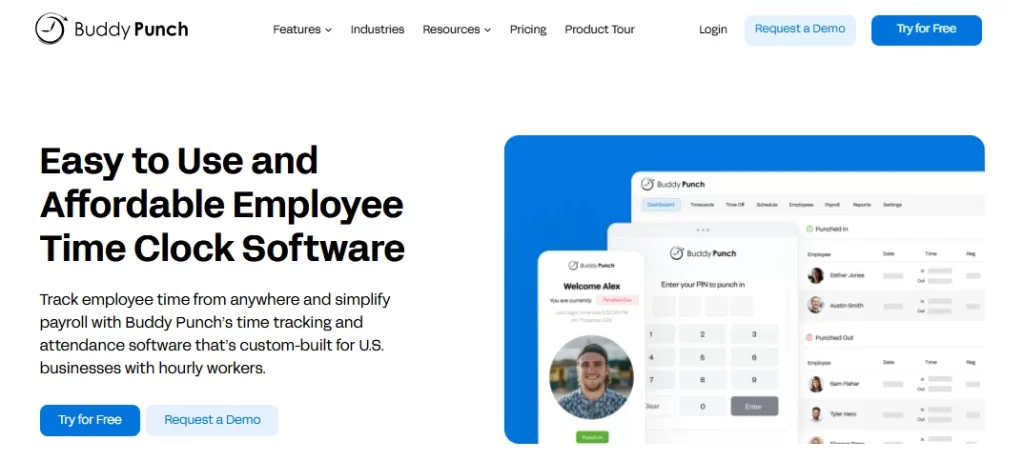
Best for: Small residential builders and fixed-kiosk commercial jobs.
Buddy Punch strips away complex asset tracking and deep field logs to deliver a simple, highly intuitive time clock interface. It works perfectly for teams of any tech-savviness level. Many companies deploy it as a central time clock kiosk on a single tablet mounted right at the entrance of the job site trailer.
Pros: Front-facing camera uses facial recognition to log workers in instantly.
- Virtually eliminates time fraud and buddy punching without frustrating crews.
- Automatically alerts managers via text or email if a worker forgets to punch out.
Cons: Not suitable for highly mobile crews who travel independently across multiple locations.
Key Integrations: Gusto, ADP, Paychex, and standard payroll systems.
9. Workmax Time
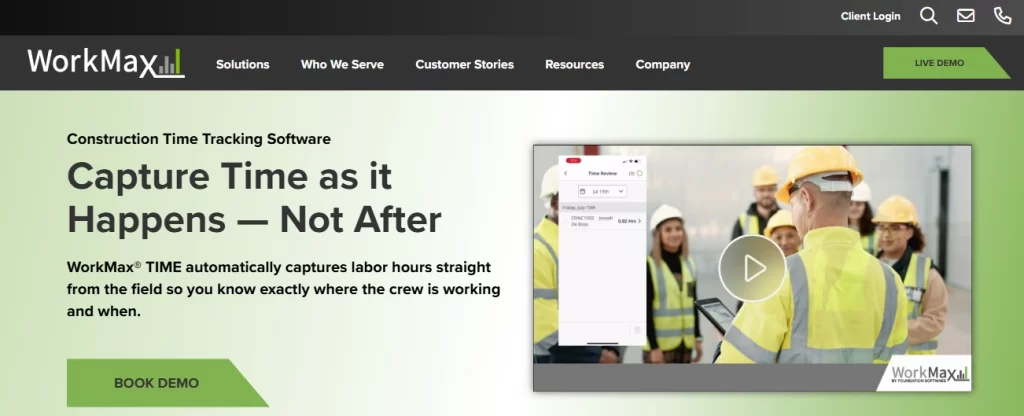
Best for: Enterprise construction firms operating across multiple labor unions and states.
Workmax Time is a highly configurable, enterprise-grade engine built to handle complex labor compliance and union rules. If you are managing multi-state operations with diverse local requirements, Workmax provides the compliance safety nets you need to protect your business.
Pros: Rule engine automatically processes complex overtime, travel allowances, and premium pay scales.
- Changes data fields dynamically based on who logs in to guarantee local compliance.
- Powerful, two-way integration pipeline with top enterprise ERP systems.
Cons: The complex configuration and setup process requires dedicated IT or administrative support.
Key Integrations: Sage 300 CRE, Microsoft Dynamics, and major corporate ERPs
The Definitive Implementation Strategy
Deploying a new platform successfully requires a clear, step-by-step approach to ensure your team actually adopts the technology.
- Frame it Right for the Crew: To minimize pushback from your field crews, introduce the software as a tool designed to protect them. Explain that it ensures they are paid accurately for every single minute of overtime and travel, rather than presenting it purely as a monitoring system.
- Run a Small Pilot Test: Start by deploying the app with a single trusted project team for two weeks. This allows you to catch and fix any configuration quirks or integration alignment issues before rolling it out company-wide.
- Connect Accounting Early: Set up direct sync links with your payroll software and ERP accounting systems from day one to maximize your back-office administrative time savings.
If you are ready to eliminate manual data entry entirely and build a more accountable, highly profitable field operation, exploring automated tracking is the most logical next step.
Frequently Asked Questions
Ans. DeskTrack is the top choice because it replaces manual inputs with automated, continuous background tracking. This removes the burden of tracking from your busy field crews, completely eliminates human forgetfulness, and cuts administrative overhead by up to 14%. Ans. Advanced apps use multi-signal positioning, combining GPS, cell tower triangulation, and local Wi-Fi networks to pinpoint locations accurately. When field crews lose cell service entirely, modern systems securely queue the stamped time records locally on the device memory, automatically syncing them to the office the second the phone reconnects. Ans. To withstand strict audits, your software must provide an uneditable historical audit trail showing the original time stamp, who modified it, when it was changed, and why. Additionally, look for platforms that include digital signature capture where workers can explicitly verify that they received all required rest breaks and had no unreported workplace injuries. Ans. Buddy punching happens when one employee clocks in for another who is running late or absent, resulting in costly time fraud. Construction apps stop this practice entirely by using strict radial geofences, mandatory biometric facial recognition, or photo-verification at the moment of punch-in.construction-time-clock-app