For a law firm, time is more than a productivity metric it can directly affect billing, client transparency, case profitability, and workload planning.
A few minutes spent reviewing a case file, replying to a client email, attending a hearing, preparing documents, or making a phone call can become part of a billable matter. But when those minutes are recorded manually at the end of the day, they are easy to forget.
That is where legal time tracking software can help.
Modern time tracking software for lawyers can record billable and non-billable work, organize hours by client or project, generate reports, and connect tracked time with billing workflows. Some platforms are designed specifically for legal practice management, while others focus primarily on automated workforce or project time tracking.
In this guide, we’ll compare six popular options and explain what each one is designed to do.
What is Legal Time Tracking Software?
Legal time tracking software helps lawyers, attorneys, paralegals, and law firms record the time spent working on clients, cases, matters, projects, and administrative activities.
Instead of relying on spreadsheets, paper notes, or memory, an attorney time tracking software can capture work through timers, automatic tracking, timesheets, calendar events, application activity, or other workflows.
Depending on the platform, features can include:
- Billable and non-billable time tracking
- Matter or project-based time entries
- Automated timesheets
- Billing rates
- Time and expense tracking
- Invoicing
- Mobile time tracking
- Time reports
- Productivity analytics
- Calendar and communication integrations
The important difference is that not every tool is built for the same type of legal workflow.
A legal practice management platform may combine timekeeping with case management and billing, while a general time tracker may focus more on accurate work-hour recording and reporting.
No Credit Card Required
Your Time is Billable, Don’t Let It Go Untracked
From client calls to case research, every minute matters. Track work automatically, reduce missed hours, and keep your time records accurate..
Why do Lawyers Need Time Tracking Software?
Imagine an attorney spends:
- 25 minutes reviewing a contract
- 15 minutes answering a client email
- 40 minutes preparing for a hearing
- 30 minutes discussing the matter with a colleague
- 20 minutes updating case documents
That’s 2 hours and 10 minutes of work.
If those activities aren’t recorded accurately, the firm may have incomplete billing records.
Good attorney timekeeping software makes it easier to record work while it happens instead of reconstructing the entire day from memory.
It can also help firms understand where time is going, compare estimated and actual hours, separate billable from non-billable work, and identify administrative tasks that consume valuable attorney time.
5 Time Tracking Software for Lawyers Compared
There is no single platform that fits every law firm. The right choice depends on whether your priority is legal billing, case management, simple time tracking, automated workforce visibility, or a combination of these.
1. DeskTrack — Automated Time Tracking and Workforce Visibility
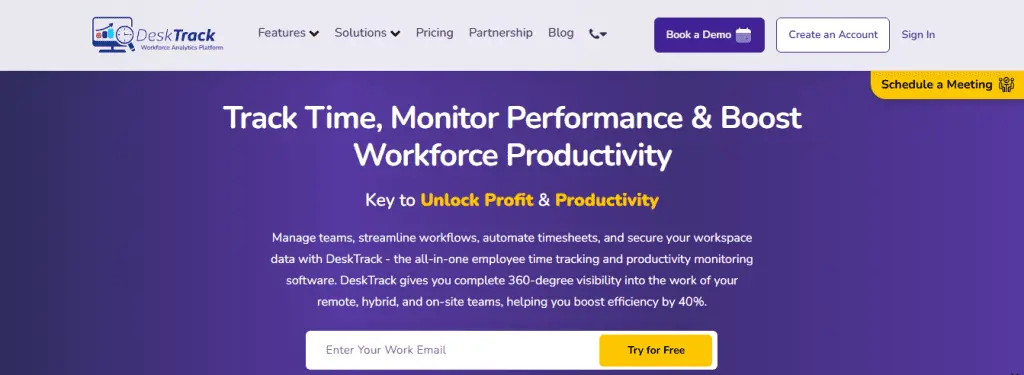
DeskTrack takes a broader approach to lawyer time tracking software by combining automated time tracking with activity monitoring, productivity analytics, attendance, project tracking, and reporting.
Instead of depending completely on employees to start and stop timers, DeskTrack can automatically record work activity and generate timesheets. Its automated tracking works across Windows, macOS, Linux, Android, and iOS.
For a law firm managing multiple attorneys, support staff, remote employees, or hybrid teams, this can provide a wider view of how working hours are being used.
Key DeskTrack features for law firms
- Automated time tracking:
DeskTrack automatically records working hours and generates timesheets, reducing the need for repetitive manual entries. It can also categorize time into areas such as work, idle, productive, and unproductive activity. - Project and task time tracking:
Firms can create projects, assign tasks, track time against them, and review project reports. This can be useful when different attorneys or teams are working on multiple matters simultaneously. - Application and URL tracking:
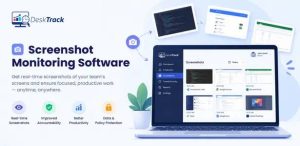
DeskTrack provides visibility into applications and websites used during working hours, helping managers understand how work time is distributed. - Screenshot monitoring:
For firms that require work verification, screenshot monitoring can provide periodic evidence of activity. Screenshot intervals can be configured based on the firm’s requirements. - Productivity reports:
Managers can analyze working hours, activity, idle time, applications, websites, and project-level information from centralized reports. - Offline time tracking:
DeskTrack can track offline activity and synchronize data when the device reconnects, which can help maintain continuity when internet connectivity is interrupted. - Privacy controls:
DeskTrack also provides private-mode functionality, allowing organizations to configure how tracking operates according to their working requirements.
Pricing:
DeskTrack’s current pricing starts at $5.99 per user/month, with a 15-day free trial listed on its pricing page.
Best fit: Firms looking for automated time tracking plus employee activity, productivity, attendance, and project visibility rather than only a legal billing system.
2. Clio — Legal Practice Management + Timekeeping
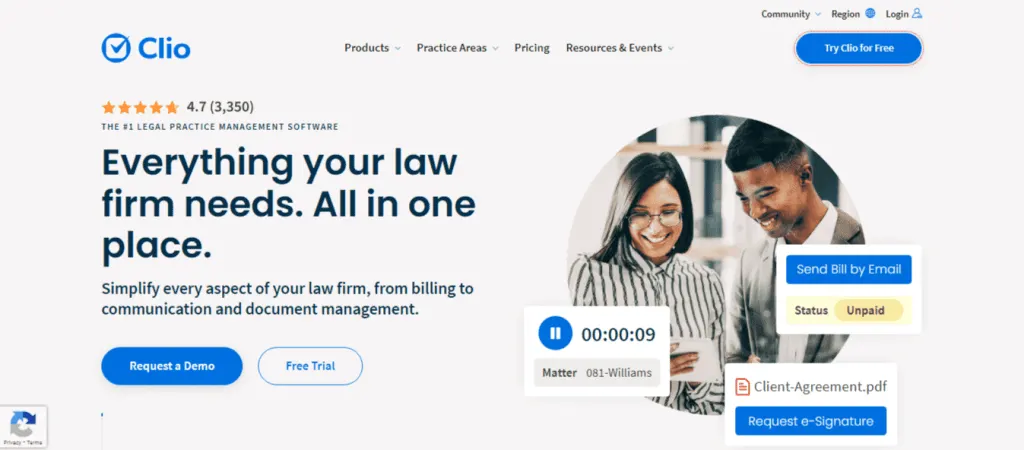
Clio is designed specifically around legal practice management. Its timekeeping functionality allows users to create time entries from activities such as tasks, communications, calendar events, notes, and documents.
Attorneys can use a running timer, manually add entries, track expenses, and access time tracking through mobile devices. Clio also supports customized rates, billable/non-billable entries, reports, and billing workflows.
Its legal-specific workflow is particularly relevant for firms that want time tracking connected closely with matters, clients, billing, and practice management.
Clio also supports AI-assisted time capture that can generate draft time entries from activities and match them with matters for review.
Best fit: Law firms looking for an all-in-one legal practice management platform with timekeeping and billing.
3. MyCase — Legal Time Tracking and Billing
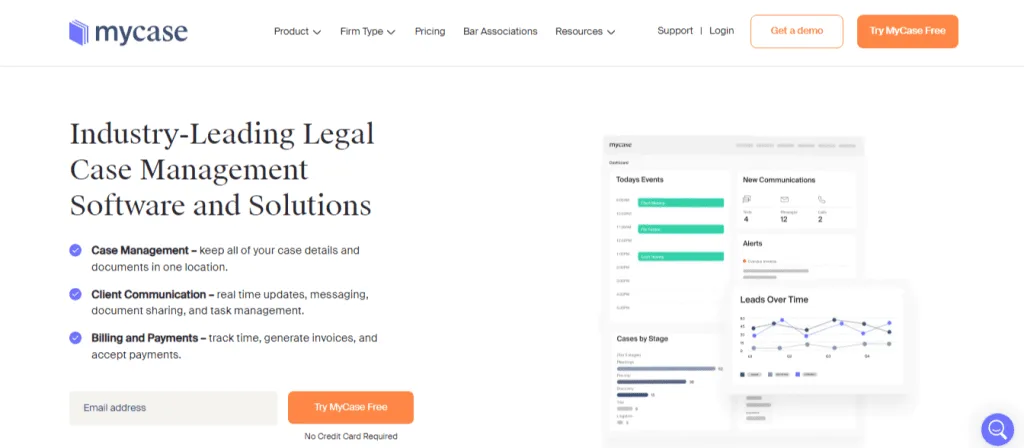
MyCase combines legal case management, time tracking, billing, and financial workflows.
Its legal time tracking functionality allows firms to record billable and non-billable time, run multiple timers, associate time with cases, and automatically track certain activities such as calls and emails. It also includes Smart Time Finder functionality for identifying potentially missed billable work.
Tracked time can flow into invoices, making it useful for firms that want time recording closely connected with billing.
Best fit: Law firms that want time tracking integrated into a broader legal case management and billing platform.
4. Toggl Track — Flexible Time Tracking for Legal Teams
Toggl Track focuses heavily on simple and flexible time tracking.
For lawyers, it supports tracking from web, desktop, mobile, and browser extensions. Users can organize time by clients, projects, tasks, and tags, assign billable rates, create reports, and connect with other applications. It also supports calendar-based time capture and integrations with tools including Clio.
Toggl is different from legal practice management platforms because its core focus is time tracking rather than managing the complete legal practice.
Best fit: Lawyers and firms that primarily need flexible time tracking, reporting, and integrations.
5. Clockify — Simple Attorney Time Tracking
Clockify provides timer-based and manual timesheet tracking for lawyers and attorneys.
Users can record billable and non-billable hours, set hourly rates, and calculate billable amounts. The platform is available across web, desktop, and mobile applications.
Its straightforward approach can work well for individuals or teams that need basic time recording without adopting a full legal practice management platform.
Best fit: Solo lawyers and teams looking for straightforward time tracking and billable-hour calculations.
Quick Comparison: Which Tool Offers What?
| Software | Time Tracking | Legal Workflow | Automated Tracking | Billing | Productivity/Activity Visibility |
| DeskTrack | ✓ | General business workflow | ✓ | Time/payroll workflows | ✓ |
| Clio | ✓ | ✓ Strong legal focus | ✓/AI-assisted | ✓ | Limited compared with workforce monitoring tools |
| MyCase | ✓ | ✓ Strong legal focus | ✓ | ✓ | Moderate |
| Toggl Track | ✓ | Via integrations | ✓/desktop tracking | ✓ | Time-focused |
| Clockify | ✓ | General workflow | Limited/optional | ✓ | Time-focused |
The biggest distinction is what happens after time is recorded.
Clio and MyCase connect time tracking closely with legal matters, billing, and case management. Toggl Track and Clockify focus more heavily on flexible time tracking and reporting. DeskTrack adds automated workforce visibility, application/URL activity, productivity reporting, project tracking, and attendance alongside time tracking.
What Should You Look for in Attorney Time Tracking Software?
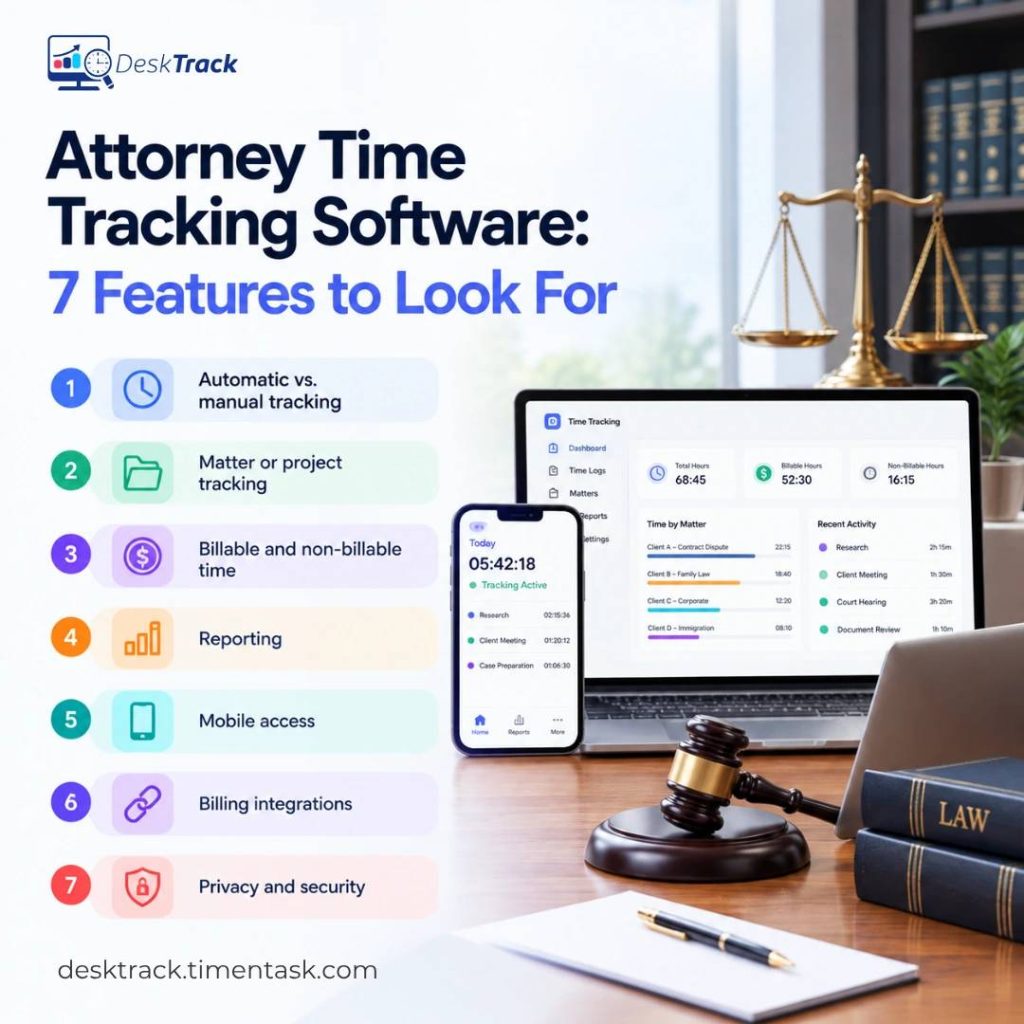
Before choosing legal time management software, consider how your firm actually works.
1. Automatic vs. manual tracking
If attorneys frequently switch between calls, documents, emails, research, and meetings, manual tracking may leave gaps. Automatic tracking can reduce the amount of information employees need to enter themselves.
2. Matter or project tracking
Your software should make it easy to connect time with the appropriate client, matter, project, or task.
3. Billable and non-billable time
A useful legal time recording software should distinguish client-billable work from internal meetings, administration, training, and other non-billable activities.
4. Reporting
Look for reports that answer practical questions:
- How many hours were worked?
- How much time was billable?
- Which matters consumed the most time?
- Where is non-billable time increasing?
- Are actual hours close to estimates?
- Which activities are consuming the team’s time?
5. Mobile access
Lawyers don’t work only from their desks. Court appearances, client meetings, travel, and remote work make mobile access useful.
6. Billing integrations
If your firm bills hourly, check whether tracked time can move easily into invoices or your existing accounting workflow.
7. Privacy and security
Time tracking should be transparent and appropriately configured. Firms should understand what data is collected, who can access it, how long it is retained, and what privacy controls are available.
How does Time Tracking Help Law Firms Reduce Lost Billable Hours?
The basic principle is simple:
Work performed → Time captured → Time reviewed → Time billed
The more manual steps between these stages, the greater the opportunity for missing or inaccurate entries.
For example, an attorney may finish a client call and immediately move to another task. If the call isn’t recorded, that time can disappear from the timesheet.
Automated or integrated tracking can reduce this gap by capturing activities while they happen or making forgotten activities easier to identify.
MyCase, for example, uses Smart Time Finder to help identify potentially missed billable activities, and Clio supports time capture across activities such as communications, documents, tasks, and calendar events.
How to Choose the Right Time Tracking Software for Lawyers
Start with your actual workflow instead of choosing based only on the number of features.
Choose a legal practice management platform if your priority is connecting timekeeping with matters, clients, case management, billing, and legal workflows.
Choose a dedicated time tracker if you mainly need simple time recording, billable-hour calculations, reports, and integrations.
Choose automated workforce time tracking if your firm also needs visibility into working hours, applications, websites, productivity, attendance, projects, and remote/hybrid work.
For firms managing distributed teams, DeskTrack can bring time tracking, activity monitoring, project tracking, attendance, productivity analytics, and reporting into one workforce visibility platform.
Conclusion
Effective time tracking for lawyers is not simply about counting hours. It is about creating a reliable record of where working time goes and connecting that information to billing, case management, workload planning, and operational decisions.
Clio and MyCase are built around legal practice workflows. Toggl Track and Clockify offer flexible time tracking for individuals and teams. DeskTrack takes a broader workforce approach by combining automated time tracking with activity, productivity, project, attendance, and workforce analytics.
Before selecting legal time tracking software, identify the problem you are trying to solve first missed billable hours, manual timesheets, billing accuracy, team visibility, productivity reporting, or all of these together.
That makes it much easier to choose a system that fits the way your firm actually works.
Frequently Asked Questions (FAQs)
Ans. The right time tracking software for lawyers depends on the firm’s workflow. Clio and MyCase focus heavily on legal practice management and billing, while Toggl Track and Clockify focus on flexible time tracking. DeskTrack combines automated time tracking with workforce, activity, productivity, attendance, and project visibility. Ans. Lawyers can track billable hours using manual timesheets, start/stop timers, mobile apps, calendar integrations, automatic activity tracking, or legal practice management software. The ideal method depends on the firm’s billing process and the level of automation required. Ans. Attorney timekeeping software records the time lawyers and legal staff spend on client work, cases, projects, and administrative activities. Depending on the platform, it may also support billing, invoicing, reporting, expenses, and productivity analysis. Ans. Yes, Some platforms can automatically capture work activity or generate time entries, while others rely primarily on manual timers and timesheets. DeskTrack, for example, provides automated time tracking and timesheet generation. Ans. Yes, Several legal timekeeping platforms provide mobile access. Clio, MyCase, Toggl Track, and Clockify all provide mobile-based time tracking capabilities. Ans. Yes, Tracking non-billable activities can help firms understand how much time is spent on administration, internal meetings, training, research, and other work that does not directly appear on client invoices.time-tracking-for-lawyers