Managing employees effectively becomes harder as a business grows. HR teams may need to handle attendance, working hours, leave, employee records, productivity, performance, and reporting across different tools.
An employee management system brings these processes together in one platform. It helps businesses organize employee information, automate routine tasks, track work time, improve workforce visibility, and make better decisions using real-time data.
In this guide, you’ll learn what an employee management system is, how it works, its key features and advantages, different types of systems, and how to choose the right solution for your business.
What is an Employee Management System?
An employee management system is software that helps businesses organize, manage, and monitor employee-related processes from a centralized platform.
Depending on the solution, an employee management system software may include employee records, attendance tracking, time tracking, leave management, productivity monitoring, reporting, performance insights, and workforce analytics.
Instead of relying on spreadsheets, emails, and disconnected applications, businesses can use one system to manage important workforce information and workflows.
A modern employee management system can help managers answer questions such as:
- How many hours did employees work today?
- Which employees are available or overloaded?
- Where is time being spent?
- Which projects are taking longer than expected?
- How much productive time is being recorded?
- Are attendance and timesheets accurate?
- Which workflows need attention?
How does an Employee Management System Work?
Most employee management systems follow a simple process:
Employee data → Activity/time collection → Centralized dashboard → Reports & insights → Management decisions
For example, an organization can use the system to collect working-hour and activity data, organize it into dashboards, and generate reports that help managers understand workforce performance.
The exact functionality depends on the software. Some systems focus mainly on HR administration, while others combine employee management with time tracking, productivity monitoring, attendance, and workforce analytics.
No Credit Card Required
Are You Managing Employees or Just Managing Data?
Bring employee data, time, attendance, productivity, and reports together with an employee management system. .
Why is Employee Management Important?
Effective employee management is not just about keeping employee records. It is about creating visibility into how work is organized, tracked, and improved.
Without a centralized system, businesses often depend on:
- Manual attendance records
- Spreadsheet-based employee data
- Self-reported timesheets
- Separate leave management tools
- Manual productivity reports
- Email-based approvals
- Disconnected HR and workforce data
These processes can create duplicate work, data inconsistencies, and delays.
An online employee management system centralizes important workforce information so HR teams and managers can spend less time collecting data and more time acting on it.
Key Employee Management System Features
The right features depend on your organization’s needs, but a modern system commonly includes the following:
1. Employee Information Management
A centralized employee database allows HR teams to organize important employee information in one place.
Depending on the platform, this may include employee profiles, departments, roles, managers, work schedules, and other workforce information.
2. Time Tracking
Time tracking helps businesses understand how employees spend their working hours.
Automated time tracking can reduce dependence on manual timesheets and provide more consistent working-hour data.
If your business also needs detailed work-hour tracking, explore DeskTrack’s [time tracking software].
3. Attendance Management
Attendance management helps businesses record employee attendance, working schedules, breaks, and related information.
For organizations managing office, remote, or hybrid employees, centralized attendance data can make workforce administration easier.
4. Productivity Monitoring
Productivity monitoring provides visibility into employee work patterns, active time, idle time, application usage, and other activity signals.
The goal should not be to monitor employees unnecessarily. Instead, businesses can use productivity data to identify workflow bottlenecks, workload issues, and opportunities for improvement.
Learn more about [employee monitoring software] and how it can provide workforce visibility.
5. Leave and Time-Off Management
A staff management system may also include leave requests, approvals, balances, and time-off records.
Centralizing these processes can reduce back-and-forth communication between employees and HR teams.
6. Employee Activity Tracking
Activity tracking can show how work time is distributed across applications, websites, projects, and tasks.
This can be particularly useful for remote and hybrid teams that need better visibility into daily workflows.
7. Reporting and Analytics
Reporting is one of the most important employee management system features.
Managers can use automated reports to analyze:
- Working hours
- Attendance
- Active and idle time
- Application usage
- Project time
- Productivity trends
- Team performance
For businesses that want automated reporting, see our guide to [automated daily activity reports].
8. Employee Performance Insights
Employee management software can combine workforce data with performance indicators to help managers understand trends.
Instead of evaluating employees only through occasional reviews, managers can use ongoing data to identify workload changes, productivity patterns, and operational bottlenecks.
9. Project and Task Tracking
For project-based organizations, connecting employee activity with projects and tasks can help managers understand where time is being spent.
This can also support project costing, workload planning, and more accurate client billing.
10. Role-Based Access and Data Security
Employee information can be sensitive. A good system should provide appropriate access controls so employees, managers, HR teams, and administrators only access the information relevant to their roles.
Before choosing a platform, review its privacy controls, security practices, data storage, and access permissions.
Employee Management System Advantages
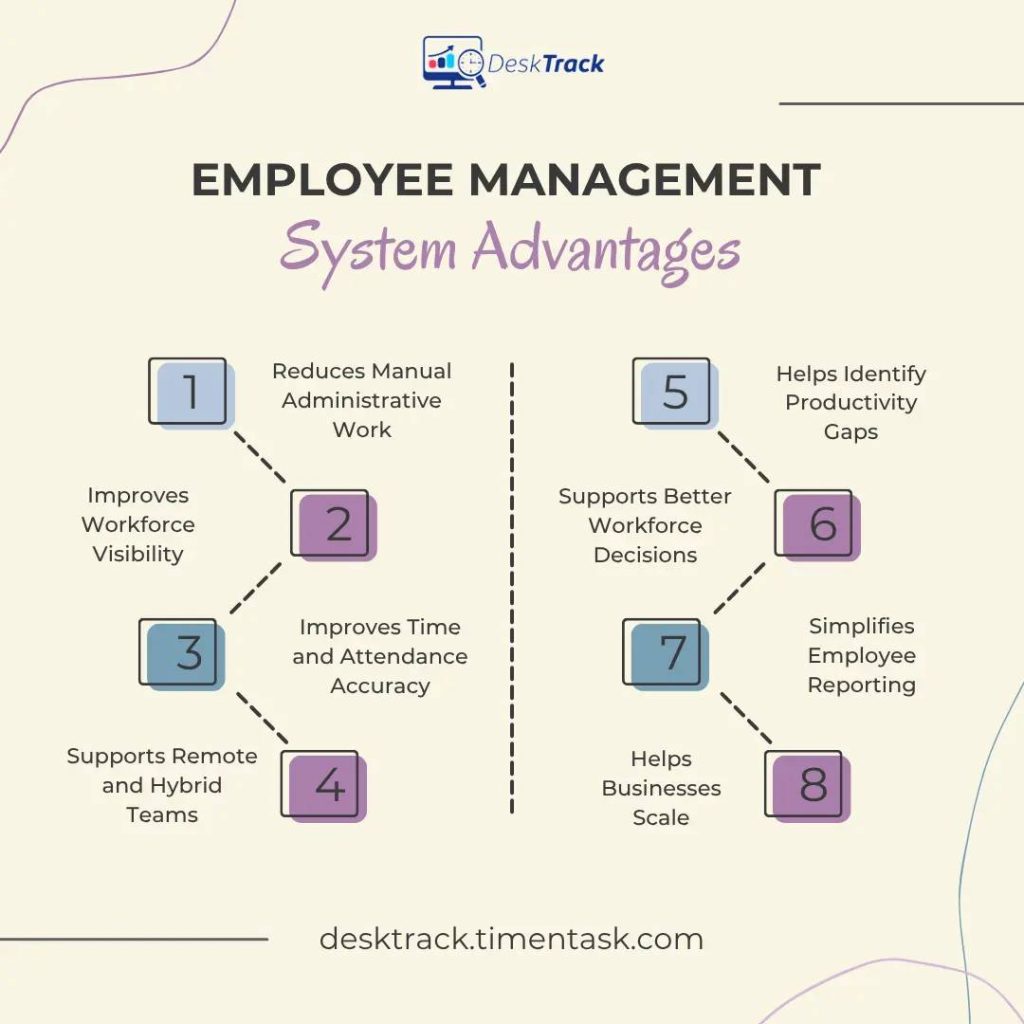
The main employee management system advantages come from replacing fragmented manual processes with centralized and actionable workforce information.
1. Reduces Manual Administrative Work
Automation can reduce repetitive tasks such as collecting timesheets, checking attendance records, and preparing recurring reports.
2. Improves Workforce Visibility
Managers get a clearer view of working hours, employee activity, workload, and productivity trends.
3. Improves Time and Attendance Accuracy
Automated tracking can reduce errors caused by manual entries and forgotten timesheets.
4. Supports Remote and Hybrid Teams
An online employee management system allows managers to access workforce information without depending on employees being in the same physical location.
5. Helps Identify Productivity Gaps
Activity and time data can highlight idle periods, inefficient workflows, excessive administrative work, or project delays.
For a deeper look at measuring productivity, read [How to Measure Employee Productivity].
6. Supports Better Workforce Decisions
Instead of relying only on assumptions, managers can use workforce data to make decisions about workload distribution, staffing, scheduling, and processes.
7. Simplifies Employee Reporting
Automated reports can reduce the time managers spend manually collecting information from multiple sources.
8. Helps Businesses Scale
As teams grow, managing employee information through spreadsheets becomes increasingly difficult. Centralized employee software management can provide a more scalable approach.
Types of Employee Management Systems
Not every employee management system serves the same purpose. Businesses can choose different types depending on their requirements.
HR Employee Management System
An HR employee management system primarily focuses on employee records, onboarding, attendance, leave, payroll-related workflows, and HR administration.
Staff Management System
A staff management system focuses on organizing employees, schedules, attendance, availability, workload, and workforce operations.
Employee Productivity Management System
These systems focus on working hours, employee activity, productivity, application usage, idle time, and performance insights.
Employee Monitoring System
Employee monitoring solutions provide visibility into employee computer activity, applications, websites, screenshots, and work patterns.
Workforce Management System
Workforce management platforms focus on broader workforce planning, scheduling, attendance, productivity, workload, and operational efficiency.
Some modern platforms combine several of these capabilities rather than focusing on just one category.
Employee Management System vs. HRMS
An employee management system and an HRMS can overlap, but they are not always the same.
| Employee Management System | HRMS |
|---|---|
| Employee information and workforce management | Broader HR administration |
| Time and activity tracking | Payroll and HR processes |
| Attendance and productivity visibility | Recruitment and onboarding |
| Workforce analytics | Leave and benefits administration |
| Employee activity reporting | Employee records and compliance |
| Productivity and operational insights | HR-focused reporting |
For a broader understanding of HR technology, read our guide to [Human Resource Management Software].
For businesses primarily looking for HR administration, an HRMS may be sufficient. Organizations that need deeper workforce visibility may benefit from a platform that combines HR-related processes with time tracking and productivity insights.
Who Should Use Employee Management Software?
Employee management software can be useful for:
- Small and medium-sized businesses
- Large organizations
- Remote teams
- Hybrid teams
- IT companies
- Agencies
- Consulting companies
- Professional services firms
- Project-based businesses
- Organizations managing distributed teams
The right solution depends on what you need to manage.
For example, a company that only needs employee records may not need advanced productivity monitoring. A remote organization managing project-based teams may need time tracking, activity monitoring, reporting, and workforce analytics.
How to Choose the Right Employee Management System?
Before selecting an employee management system software, evaluate the platform against your actual business requirements.
1. Define Your Main Requirement
First identify the problem you want to solve.
Do you need:
- Employee records?
- Attendance tracking?
- Time tracking?
- Productivity monitoring?
- Leave management?
- Workforce reporting?
- Remote employee visibility?
- Project tracking?
Choosing based on your primary requirement prevents you from paying for unnecessary features.
2. Check Automation Capabilities
Look for automation that can reduce manual data entry and repetitive reporting.
3. Evaluate Reporting and Analytics
The platform should provide reports that help managers make decisions, not simply collect data.
4. Consider Remote and Hybrid Work
If your employees work remotely, check whether the platform supports remote activity, time tracking, productivity reporting, and flexible work environments.
For remote teams, you can also read [How to Monitor Remote Employee Productivity Without Micromanaging].
5. Review Privacy and Security
Employee data should be handled responsibly. Check access controls, privacy settings, data protection practices, and monitoring transparency before deployment.
6. Check Integrations
If you already use HR, payroll, project management, or attendance tools, verify whether the new platform can integrate with your existing workflow.
7. Test Before Buying
A free trial or product demo can help you determine whether the software is easy for HR teams, managers, and employees to use.
How DeskTrack Helps With Employee Management?
DeskTrack combines employee time tracking, activity monitoring, productivity insights, attendance-related workflows, reporting, and workforce analytics in one platform.
For businesses that want more than basic employee record management, DeskTrack can help managers understand how work time is being used and where operational improvements may be needed.
Key capabilities include:
- Automated time tracking
- Employee activity tracking
- Productivity monitoring
- Application and URL tracking
- Screenshot monitoring
- Attendance and leave tracking
- Automated timesheets
- Productivity reports
- Project and workforce visibility
This makes DeskTrack particularly relevant for organizations that want to combine employee management with productivity and workforce analytics.
Conclusion
An employee management system can help businesses move from fragmented spreadsheets and manual processes to centralized workforce management.
The best solution depends on what your organization needs to manage. If your priority is HR administration, look for core HR capabilities. If you also need visibility into working hours, employee activity, productivity, projects, and workforce performance, consider an employee management system that combines these capabilities in one platform.
For businesses looking to improve workforce visibility and productivity, DeskTrack provides tools for time tracking, employee monitoring, productivity analytics, attendance, reporting, and workforce management.
Frequently Asked Questions (FAQs)
Ans. An employee management system is software that helps businesses organize employee information and manage workforce processes such as attendance, time tracking, productivity, reporting, and employee-related workflows from a centralized platform. Ans. Common features include employee information management, attendance tracking, time tracking, leave management, productivity monitoring, employee activity tracking, reporting, analytics, project tracking, and access controls. Ans. The main advantages include reduced administrative work, better workforce visibility, improved time and attendance accuracy, automated reporting, support for remote teams, and better data-driven workforce decisions. Ans. An online employee management system is a cloud-based platform that allows authorized users to manage and access employee and workforce information through the internet. Ans. Not always, HR software generally focuses on HR administration such as employee records, payroll, recruitment, and leave management. An employee management system may place greater emphasis on workforce operations, time tracking, activity, productivity, and employee management. Ans. Yes, Many modern systems support remote and hybrid teams by providing centralized access to employee information, time tracking, activity data, productivity reports, and workforce analytics. Ans. Start by identifying your primary requirements, then compare features, automation, reporting, integrations, security, scalability, ease of use, pricing, and trial availability. Choose the system that solves your specific workforce management problems rather than simply selecting the platform with the most features.employee-management-system