





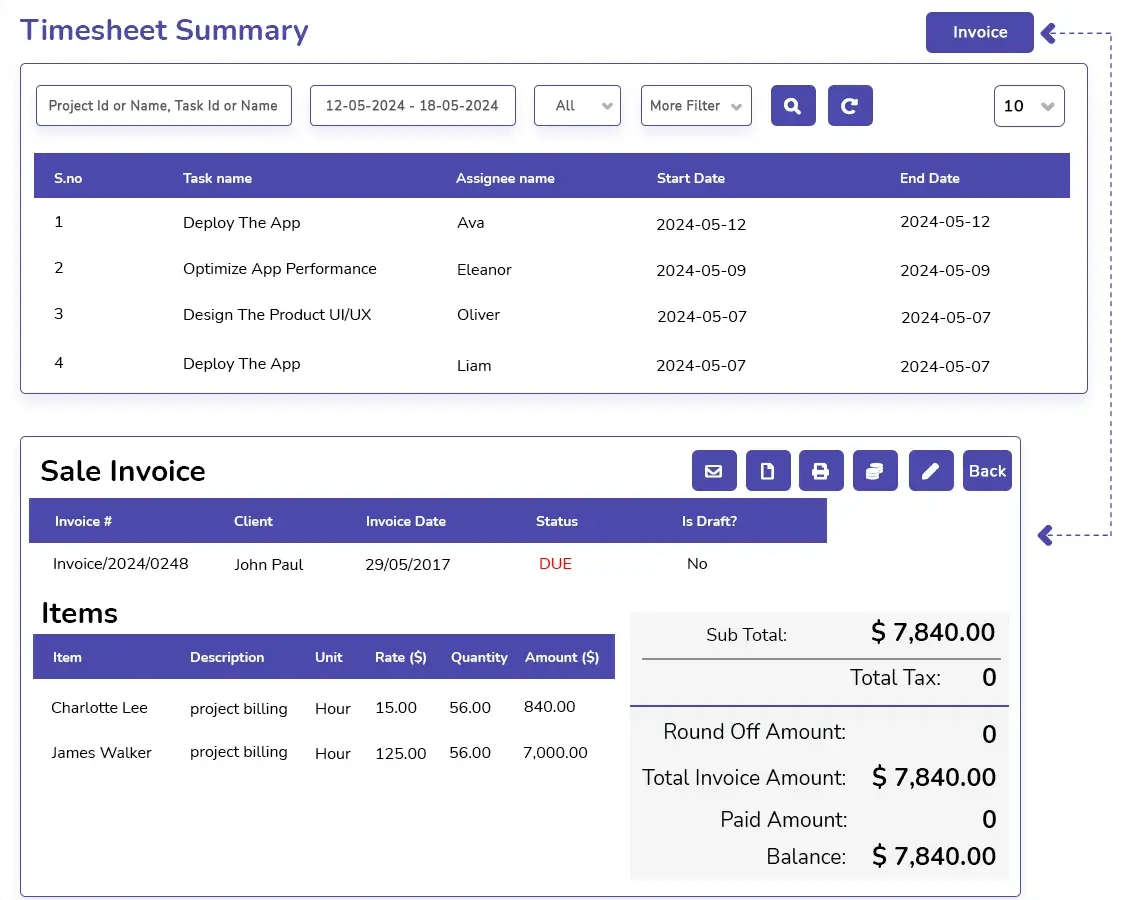

Say Goodbye to Payroll Mistakes
Decimal hours conversion with or without the online time decimal calculator
for payroll is prone to errors. Make it accurate and automated with DeskTrack’s payroll and invoicing software.

Use our free decimal hours calculator to get time in decimals, which is necessary for accurate payroll processing. This time-to-decimal calculator is easy to use and quickly generates the desired values.
--
--
Converting hours to decimal time with our free online decimal hours calculator tool is very easy and quick. All you need to do is follow these few steps.
Quickly convert minutes into decimal hours (and vice versa). Use this as a reference or to double-check calculator results.
| Minutes | Decimal |
|---|---|
| 1 | 0.02 |
| 2 | 0.03 |
| 3 | 0.05 |
| 4 | 0.07 |
| 5 | 0.08 |
| 6 | 0.10 |
| 7 | 0.12 |
| 8 | 0.13 |
| 9 | 0.15 |
| 10 | 0.17 |
| 11 | 0.18 |
| 12 | 0.20 |
| 13 | 0.22 |
| 14 | 0.23 |
| 15 | 0.25 |
| 16 | 0.27 |
| 17 | 0.28 |
| 18 | 0.30 |
| 19 | 0.32 |
| 20 | 0.33 |
| 21 | 0.35 |
| 22 | 0.37 |
| 23 | 0.38 |
| 24 | 0.40 |
| 25 | 0.42 |
| 26 | 0.43 |
| 27 | 0.45 |
| 28 | 0.47 |
| 29 | 0.48 |
| 30 | 0.50 |
| Minutes | Decimal |
|---|---|
| 31 | 0.52 |
| 32 | 0.53 |
| 33 | 0.55 |
| 34 | 0.57 |
| 35 | 0.58 |
| 36 | 0.60 |
| 37 | 0.62 |
| 38 | 0.63 |
| 39 | 0.65 |
| 40 | 0.67 |
| 41 | 0.68 |
| 42 | 0.70 |
| 43 | 0.72 |
| 44 | 0.73 |
| 45 | 0.75 |
| 46 | 0.77 |
| 47 | 0.78 |
| 48 | 0.80 |
| 49 | 0.82 |
| 50 | 0.83 |
| 51 | 0.85 |
| 52 | 0.87 |
| 53 | 0.88 |
| 54 | 0.90 |
| 55 | 0.92 |
| 56 | 0.93 |
| 57 | 0.95 |
| 58 | 0.97 |
| 59 | 0.98 |
| 60 | 1.00 |
Although our decimal time converter is very accurate, knowing how to manually convert hours to the decimal format is still important. Here’s how to do it in just 3 steps.
Step 1
Divide the minutes by 60 to convert to a decimal.
For example, if you have a minute, 1/60 = 0.02
Step 2
Add the decimal minutes to the hours.
For example, if you have 7 hours, add 7 + 0.02 = 7.02
Step 3
The result we got in step 2 is the time in decimal format.
The number before the decimal point is the total hours, while the number after it is the decimalized minutes.
So an employee clocking in at 7:01 will be represented by 7.02 in military time.
Likewise, if you want to get back the time in hours: minutes format, then you can either refer to the table above or use these steps.
Step 1
Find out the hours.
For example, in 7.02, the number 7 represents 7 hours.
Step 2
Find out the decimal fraction.
Again, in 7.02, it’s 0.02.
Step 3
Multiply by 60 to convert the decimal time to minutes.
For example, 0.02 × 60 = 01 minute.
Step 4
Combine the two values we determined in the hours: minutes format.
In our example, it will be 7:01.
So an employee clocking in at 7.02 military time will be clocking in at 7:01 in normal time.
Everything you need to know about Decimal Hours.
Calculating payroll is much easier with decimal hours and a pay rate. Also, decimalized minutes are much more precise.
0.75 decimal hours is 45 minutes in normal time.
To convert hours to decimal, use these steps:
A better and faster way is to use the free online time clock conversion tool.
To calculate decimal hours with our free online decimal hours calculator, use these steps:
