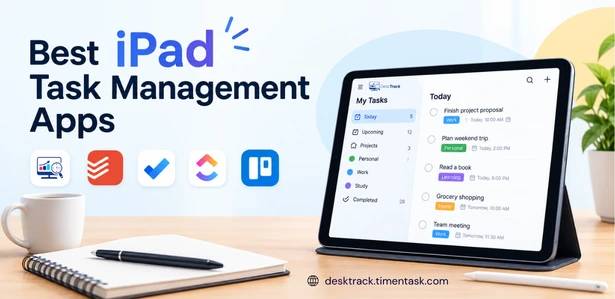
An iPad can be much more than a device for browsing, meetings, or taking notes. With the right iPad task manager, you can organize projects, assign work, track deadlines, manage priorities, and keep your daily workflow under control.
Apple itself positions the iPad as a productivity device, with multitasking, keyboard support, Apple Pencil, Files, and a large ecosystem of business and productivity apps.
But with so many options available, which task manager for iPad is actually worth using?
In this guide, we compare popular iPad task management options and explain what to look for if you want to manage personal tasks, projects, or an entire team’s workflow.
What is an iPad Task Manager?
An iPad task manager is an app or software platform that helps you create, organize, assign, prioritize, and track tasks from your iPad.
A basic task manager may only provide to-do lists and reminders. More advanced platforms can include project management, collaboration, deadlines, time tracking, reporting, and productivity analytics.
For individuals, a simple task list may be enough. For businesses, however, a task manager on iPad should ideally connect tasks with projects, employees, deadlines, and actual work time.
No Credit Card Required
Manage Task, Track Time, See the Bigger Picture
Turn everyday task management into smarter workforce visibility with DeskTrack. Track projects, work hours, app usage, and productivity in one place..
What are the Best Productivity Apps for iPad?
The best productivity app depends on what you need to accomplish.
Popular options include:
| App | Best For | Key Strength |
|---|---|---|
| DeskTrack | Business teams | Tasks, projects, time and productivity visibility |
| Todoist | Personal & team tasks | Simple task organization |
| Things | Personal productivity | Clean task and project planning |
| Notion | Flexible workspaces | Notes, databases and tasks |
| Trello | Visual task management | Boards and workflows |
| Asana | Project teams | Task assignment and project planning |
| ClickUp | All-in-one work management | Tasks, projects and collaboration |
Apple’s current App Store productivity listings include tools such as Things, Notion, Todoist, Trello, Asana, ClickUp and other task and project-management apps.
The important point is that the “best” app depends on whether you need a personal task tracker, a team workspace, or a complete work-management platform.
1. DeskTrack
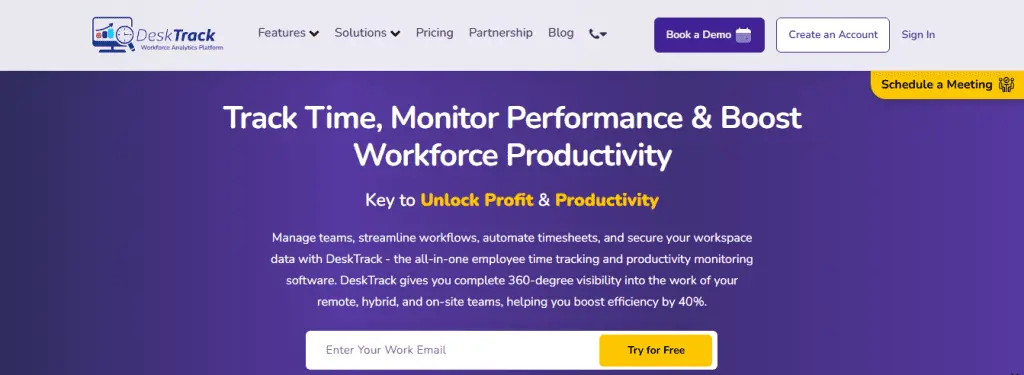
DeskTrack is designed for businesses that need more than a simple checklist.
Its project management platform combines task management, project tracking, automated time tracking, and workforce analytics. Teams can create tasks, divide projects into smaller work units, track progress, and compare planned work with actual hours.
This makes DeskTrack useful when your goal is not just to answer “What tasks are pending?” but also:
- Who is working on the task?
- How much time was spent?
- Which project is consuming the most hours?
- What work has been completed?
- Where are delays happening?
For teams using an iPad alongside desktop devices, this broader visibility can be more useful than a standalone to-do list.
You can also connect task management with time tracking software, helping managers understand how much time employees actually spend on projects and tasks.
2. Todoist
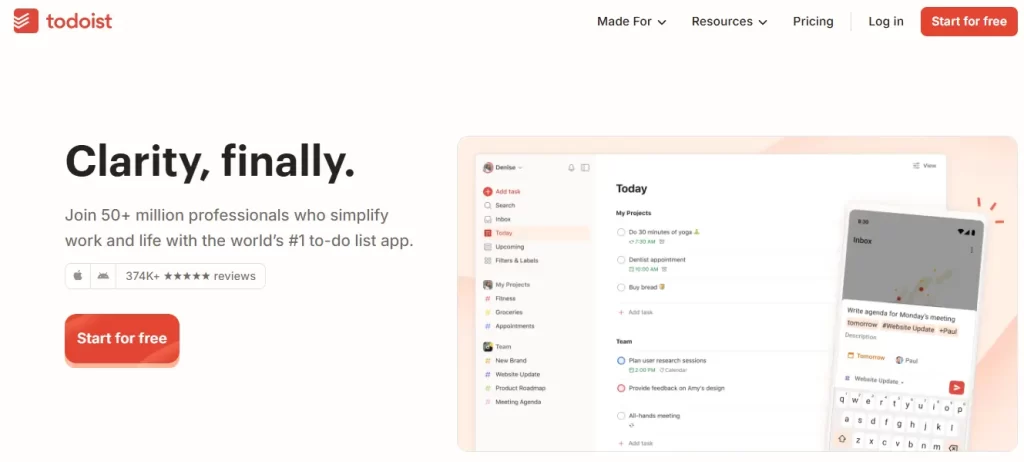
Todoist is a popular choice for users who want a straightforward task manager.
It works well for creating tasks, setting deadlines, organizing projects, and managing personal or team to-do lists. The App Store currently lists Todoist among its productivity and task-management apps for iPad.
It is particularly useful when your primary requirement is task organization rather than detailed workforce analytics.
3. Things
Things is another option for people who prefer a clean and structured personal productivity experience.
It can help organize tasks and projects without overwhelming users with too many business-oriented features.
For individuals, freelancers, and professionals managing their own workload, it can work well as a personal task manager iPad users can keep open throughout the day.
4. Notion
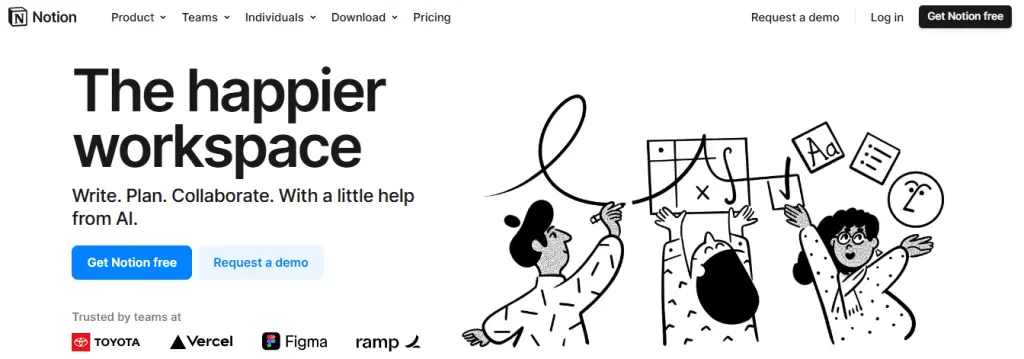
Notion takes a more flexible approach.
Instead of focusing only on tasks, it allows users to create workspaces containing notes, databases, documents, projects, and task lists.
This makes it suitable for teams that want to combine documentation and task management in one workspace.
However, that flexibility can also mean more setup compared with a dedicated task management application.
5. Trello
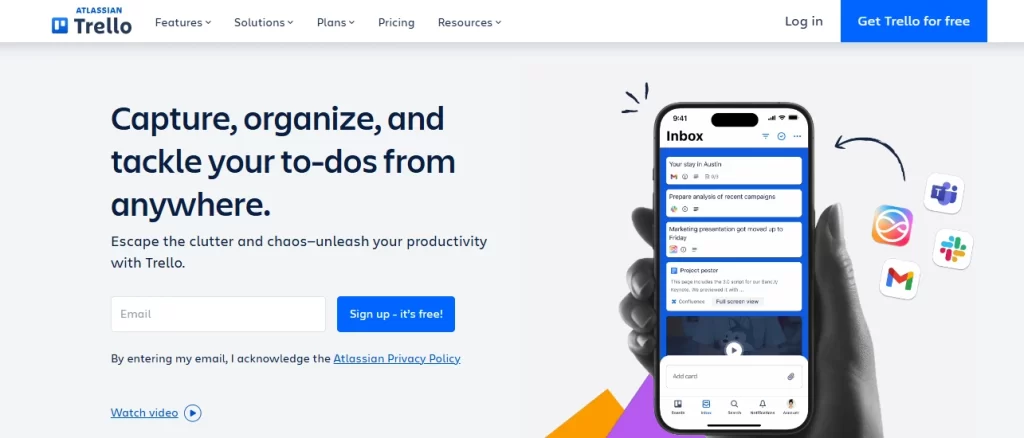
Trello is best known for its visual board-and-card approach.
Tasks can be organized into different stages such as:
To Do → In Progress → Review → Done
This makes Trello useful for teams that prefer seeing workflow visually.
It can work particularly well for marketing teams, content teams, software projects, and simple project pipelines.
6. Asana

Asana focuses heavily on project and team task management.
It allows teams to assign tasks, manage deadlines, organize projects, and track progress.
If your business needs a dedicated management software for iPad that focuses primarily on project collaboration, Asana can be worth considering.
However, businesses that also need detailed time and employee productivity information may need additional tools.
7. ClickUp
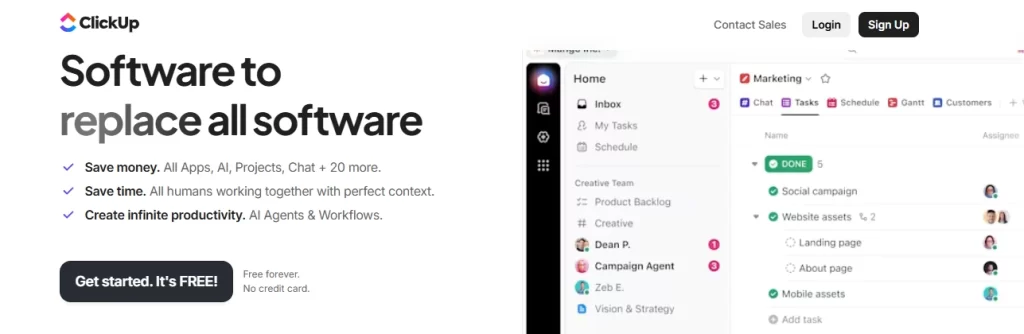
ClickUp positions itself as an all-in-one work management platform.
It combines tasks, projects, documents, collaboration, and other productivity features.
It can be a good option for teams that want extensive customization. The trade-off is that users may need more time to configure the platform according to their workflow.
What Features Should You Look for in an iPad Task Manager?
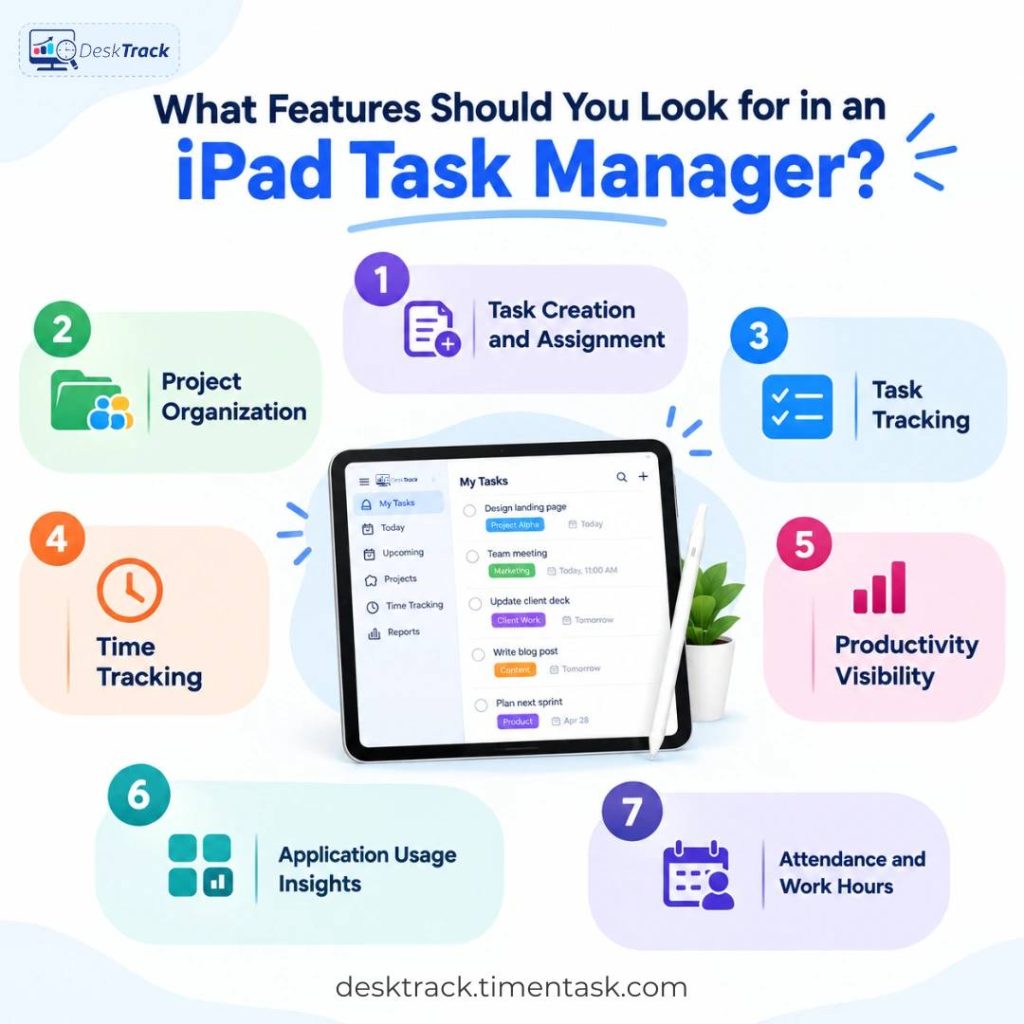
Before choosing a task manager for iPad, don’t simply compare the number of features. Start with the problems you need the software to solve.
Look for:
1. Task Creation and Assignment
You should be able to quickly create tasks, assign owners, add deadlines, and update status.
2. Project Organization
Tasks should be grouped into projects or workflows so employees know how individual tasks contribute to larger goals.
3. Task Tracking
A good task tracker should make it easy to identify completed, pending, overdue, and in-progress work.
4. Time Tracking
If your business needs to understand how long employees spend on tasks, integrate task management with time tracking software.
This is particularly important for agencies, IT companies, consultants, and businesses that bill clients based on working hours.
5. Productivity Visibility
Task completion alone doesn’t tell you how work is actually happening.
For deeper insights, businesses can use employee productivity tracking software to understand working patterns, active time, and productivity trends.
6. Application Usage Insights
If employees complete tasks using multiple applications, application usage tracking can help managers understand which tools are being used and how much time is spent on them.
DeskTrack, for example, tracks application and URL usage and provides reports around employee software activity.
7. Attendance and Work Hours
For businesses managing office, hybrid, or remote teams, task information can become more useful when combined with attendance data.
A time clock app can help track clock-ins, clock-outs, working hours, and attendance alongside task and project information.
Task Manager vs Project Management Software
A task manager and project management platform are related, but they are not exactly the same.
A task manager answers:
“What needs to be done?”
Project management software answers:
“What needs to be done, who is responsible, when is it due, how is the project progressing, and how much time is being spent?”
For individuals, a simple task manager may be enough.
For growing teams, project management software can provide a broader view of projects, tasks, deadlines, workloads, and progress.
DeskTrack combines project management with time tracking and reporting, allowing teams to connect tasks with actual work hours and project performance.
How Can DeskTrack Improve iPad-Based Work Management?
An iPad task manager is useful for organizing work, but business productivity often requires more than task lists.
DeskTrack adds another layer of visibility by connecting project and task management with time and workforce data.
For example, a manager can use task information to understand what employees are expected to complete, then use time and application data to understand how work is actually being performed.
DeskTrack supports automated time tracking, application usage monitoring, project reports, and productivity insights across multiple platforms.
This makes it particularly relevant for teams that work across laptops, desktops, mobile devices, and iPads rather than relying on a single device.
Which iPad Task Manager Should You Choose?
The right choice depends on your workflow:
- For simple personal tasks: Todoist or Things
- For flexible notes and task databases: Notion
- For visual workflows: Trello
- For structured project management: Asana
- For an all-in-one workspace: ClickUp
- For business task, time, project, and productivity visibility: DeskTrack
Don’t choose an app simply because it has the longest feature list. Choose one that matches the way your team actually works.
Conclusion
The best task manager on iPad is not necessarily the app with the most features. It is the one that makes work easier to organize, track, and complete.
For personal productivity, simple apps such as Todoist or Things may be enough. For teams, however, task management becomes more valuable when it connects with projects, time, attendance, application usage, and productivity data.
If your business needs a centralized way to manage tasks while also understanding where work time goes, DeskTrack can take iPad-based task management beyond simple to-do lists and into measurable workforce management.
Frequently Asked Questions (FAQs)