Managing a remote team comes with a unique set of productivity challenges. Without the visibility of a shared office, managers and business owners often face the same recurring pain points: time waste, accountability gaps, and inaccurate project data. (Source: HBR Remote Work Research)
Here is what most remote teams deal with on a daily basis:
- Time waste: Employees switch between tasks frequently, losing billable hours without realizing it.
- Manual tracking issues: Spreadsheets and punch-in systems are error-prone and easy to forget.
- Productivity loss: Without structured monitoring, work hours blend into personal time.
- Accountability challenges: It is hard to verify who worked on what, and for how long.
This is exactly why automatic time tracking software has become a must-have tool in 2026. Instead of relying on employees to log hours manually, these tools run silently in the background, recording every app, website, and task without disrupting the workflow. The result? Accurate data, better accountability, and measurable productivity gains. (Source: Forrester Employee Experience Tech Trends)
In this guide, we compare the top five tools and give you everything you need to choose the right automated time tracking software for your remote team.
Top 5 Automatic Time Tracking Tools Compared in 2026

Here is a side-by-side comparison of the leading automated time tracking systems available today:
| Tool | Key Features | Automation Level | Best For | Pricing (Approx.) | Pros / Cons |
| DeskTrack | Auto tracking, URL/app monitoring, idle detection, screenshots, productivity reports | Very High | Remote teams, agencies, freelancers | From $2.99/user/month | ✅ Deep automation, real-time insights ❌ Desktop-only app required |
| TimeCamp | Auto time tracking, invoicing, attendance, integrations | High | Agencies, mid-size teams | Free; paid from $3.99/user/month | ✅ Strong integrations ❌ UI can feel dated |
| Hubstaff | GPS tracking, screenshots, payroll, activity monitoring | High | Field + remote teams | From $4.99/user/month | ✅ GPS & field support ❌ Can feel invasive |
| Clockify | Manual + auto timers, project tracking, reports | Medium | Startups, freelancers | Free; paid from $3.99/user/month | ✅ Generous free plan ❌ Limited automation depth |
| Toggl Track | One-click timer, idle detection, basic auto-tracking | Medium | Freelancers, small teams | Free; paid from $9/user/month | ✅ Very user-friendly ❌ Fewer enterprise features |
Detailed Overview of Each Tool
1. DeskTrack
DeskTrack is a powerful automated time tracking software built specifically for distributed teams. It automatically records every app, URL, and document a user interacts with, without requiring any manual input. Its automatic tracker runs silently in the background, making it perfect for remote employees who should not have to remember to start or stop timers. It also categorizes activity into productive vs. unproductive time, giving managers clear, actionable productivity reports. DeskTrack is designed for remote teams, agencies, and freelancers who need a reliable, hands-free solution.
This ensures a balance between accountability and privacy.
2. TimeCamp
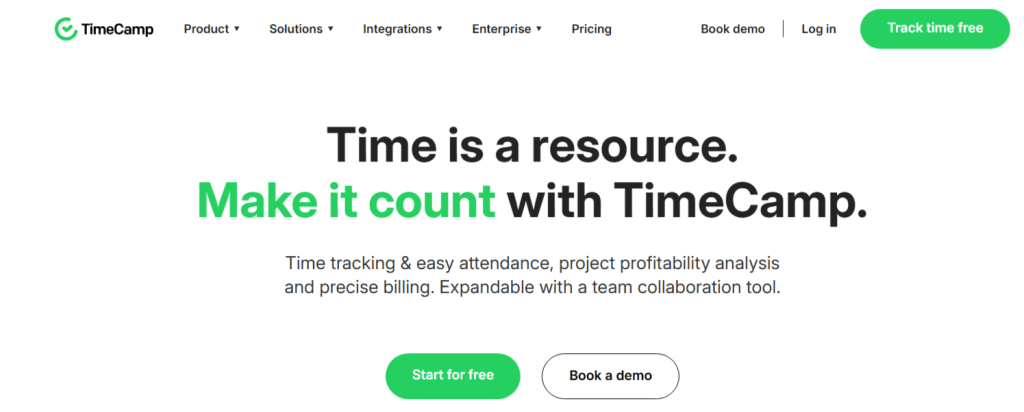
TimeCamp is a versatile automatic time tracking tool that combines attendance management, project billing, and over 100 integrations with tools like Asana, Trello, and Jira. Its keyword-based automation can detect which project you are working on and log time accordingly. While it requires some initial setup to reach its full potential, it is a strong choice for mid-sized agencies that need both time tracking and invoicing in one platform. TimeCamp also offers a generous free plan for individuals and small teams.
3. Hubstaff
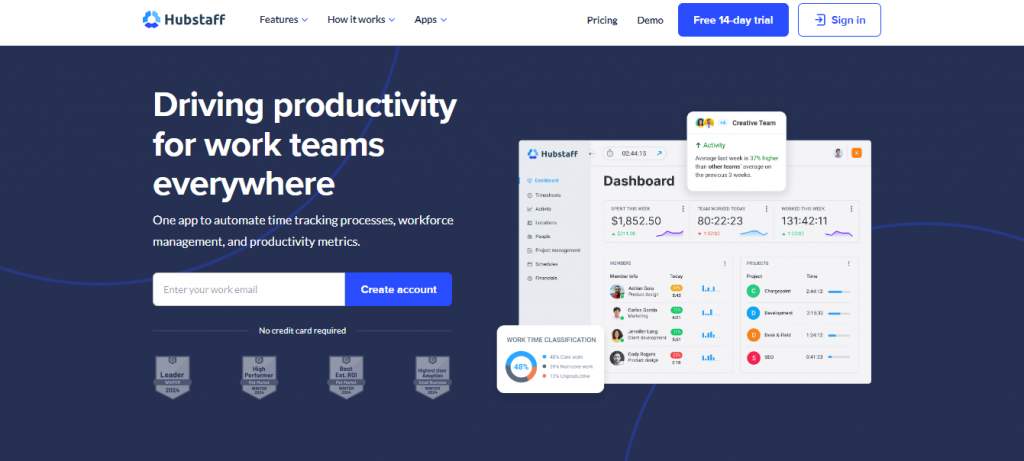
Hubstaff is an enterprise-grade automated time tracking system that goes beyond the desktop. In addition to standard computer activity tracking, it offers GPS location tracking, making it an ideal solution for teams that include both remote and field-based employees. Hubstaff’s payroll automation and workforce scheduling features make it particularly well-suited for larger organizations. However, its monitoring capabilities — including screenshots and activity levels — can feel intrusive in cultures that prioritize employee privacy and trust.
4. Clockify

Clockify is one of the most widely used free automatic time tracking solutions, with a free tier that supports unlimited users. It offers a browser extension that can auto-detect websites and trigger timer prompts, along with a clean project dashboard. While its automation depth is not as advanced as DeskTrack or Hubstaff, it is a solid entry point for startups and freelancers who need basic time visibility without a large budget. According to Clockify’s own research, employees lose nearly 2 hours per day to untracked distractions — making even basic tracking tools highly valuable.
5. Toggl Track
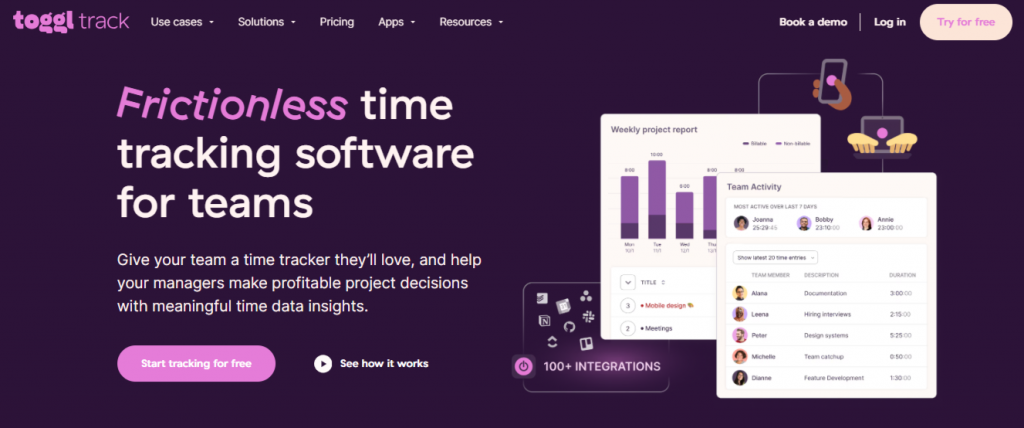
Toggl Track is known for its simplicity and elegant user interface. It features idle detection, background auto-tracking (on its desktop app), and one-click timers that make it incredibly easy to adopt. It is best suited for freelancers and small creative teams who want an automatic tracker that gets out of the way. Toggl’s reporting is clear and visual, though it lacks the deeper workforce management features that larger remote teams require. The paid plans are on the pricier end per user compared to alternatives like DeskTrack.
Ready to Eliminate Time Waste and Boost Remote Productivity?
If your remote team is still relying on manual timers, honor-system spreadsheets, or guesswork, you are leaving productivity — and profit — on the table. DeskTrack’s automatic time tracking system does the heavy lifting for you.
DeskTrack Deep Dive: The Best Automatic Time Tracking Software for Remote Teams in 2026
DeskTrack is one of the best automatic time tracking software for remote teams in 2026. Unlike most tools that depend on manual timers or user-initiated logging, DeskTrack’s entire design philosophy is built around zero-effort data capture. Here is a detailed look at every key feature.
Automatic Time Tracking (Background Tracking)
DeskTrack runs silently in the background from the moment an employee starts working. It automatically records which applications are open, how long they are used, and when the user switches between tasks. There is nothing to start, nothing to stop. Every productive minute is captured without a single manual entry. This eliminates the most common problem in remote team management: under-reporting and forgotten time logs.
URL & App Tracking
One of DeskTrack’s most powerful features is its granular URL and application monitoring. Every website visited and every software tool used is logged with precise timestamps. This level of detail makes it the ideal employee monitoring software for agencies and companies that need to verify where billable hours are actually going. Managers can see whether their team is spending time on client work, internal tools, or unrelated browsing — without having to ask.
Productivity Categorization
DeskTrack does not just record activity — it evaluates it. Every app and website is categorized as productive, unproductive, or neutral, based on rules that can be fully customized for your team or industry. A developer might have GitHub and VS Code marked as highly productive, while social media sites are flagged as unproductive. This allows managers to generate meaningful productivity scores for each team member over any time period — an invaluable feature for performance reviews and project planning.
Real-Time Reports
DeskTrack’s reporting dashboard gives managers live visibility into what every remote employee is working on, right now. Reports can be filtered by team member, project, date range, or productivity category. For project managers, this integrates naturally with project time tracking software workflows, making it easy to assess budget burn and allocate resources accurately. Reports are exportable in multiple formats for client billing and internal review.
Screenshots (Optional Monitoring)
For organizations that require visual proof of work, DeskTrack offers an optional screenshot feature that captures periodic screen snapshots during work sessions. This feature is entirely configurable — it can be turned on or off per team or per employee, and the frequency can be adjusted. When enabled, it provides an additional layer of accountability and is particularly useful for client-facing teams and outsourced contractors.
Idle Time Detection
DeskTrack’s idle detection feature automatically pauses time logging when a user steps away from their computer. If a keyboard or mouse is inactive for a defined period (configurable by the admin), the system flags that interval as idle and excludes it from active work time. This ensures that time reports reflect actual effort rather than hours a computer was simply switched on — a common inaccuracy in less sophisticated tools.
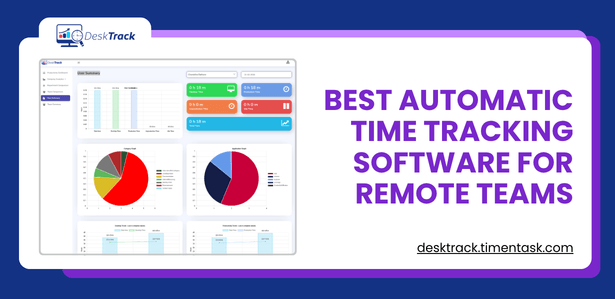
Download this accurate and reliable Best Automatic Time Tracking Software for Remote Teams to identify the specific bottlenecks holding your performance back today!Best Automatic Time Tracking Software for Remote Teams
Automatic Time Tracking Software Benefits by Use Case
For Remote Teams
- Complete workforce visibility without micromanagement
- Accurate payroll data based on verified work hours
- Easy integration with existing project management tools
- Supports multiple time zones and distributed team structures
For Agencies
- Automatic client billing tied to real task data
- Identify which clients and projects are most time-intensive
- Generate reports that support transparent, trust-based client relationships
- Reduce timesheet errors that lead to underbilling
For Freelancers
- Hands-free logging means you never forget to track billable hours
- Detailed reports make invoicing straightforward and professional
- Works as a robust tool to track screen activity across all client projects
- Affordable pricing makes it accessible even for solo professionals — see our guide on
DeskTrack also functions as a capable productivity tracking software platform that helps freelancers understand their own work patterns, identify peak productivity hours, and continuously improve their output. According to a Gallup report on remote work trends, organizations with high employee engagement are significantly more productive — and automated visibility tools like DeskTrack are a key driver of that engagement.
This ensures a balance between accountability and privacy.
Conclusion: The Right Tool Makes Remote Work Actually Work
Remote work is no longer a temporary experiment — it is the default operating model for thousands of businesses worldwide. But flexibility without structure leads to one outcome: lost productivity, missed deadlines, and frustrated teams. The difference between a high-performing remote team and a struggling one often comes down to a single question: do you have accurate, real-time visibility into how work is actually getting done?
That is precisely what automatic time tracking software delivers. Whether you manage a five-person startup or a fifty-person distributed agency, the tools covered in this guide — DeskTrack, TimeCamp, Hubstaff, Clockify, and Toggl Track — each offer a meaningful step up from manual logging and guesswork.
Among them, DeskTrack stands out as the most comprehensive solution for remote-first businesses in 2026. Its zero-effort background tracking, deep productivity categorization, idle time detection, and real-time reporting make it the strongest all-around choice — whether you are scaling an agency, managing a dispersed team, or working solo as a freelancer who needs every billable minute accounted for.
The bottom line is simple: you cannot manage what you cannot measure. Implementing an automated time tracking system is not about distrust — it is about giving your team the data they need to work smarter, bill accurately, and grow sustainably. In 2026 and beyond, that kind of clarity is not a competitive advantage. It is a necessity.
Frequently Asked Questions
Ans. Automatic time tracking software is a tool that records how time is spent on a computer without requiring the user to start or stop any timers manually. It runs in the background, logs app and website activity in real time, and generates detailed reports on productive and unproductive time — all without any manual input from the employee. Ans. An automated time tracking system installs a lightweight desktop or mobile agent on the user’s device. Once active, the software detects which applications are open, which websites are visited, and for how long each is used. This data is synced to a central dashboard where managers and team leads can view reports, productivity scores, and project allocations. Some tools, like DeskTrack, also include idle detection and optional screenshot capture for additional accountability. Ans. Yes, when implemented transparently. Reputable automatic tracking tools are designed to track work activity during work hours only — not personal devices or off-hours behavior. Best practice is to inform employees about what is tracked, why, and how the data is used. Most leading tools, including DeskTrack, offer configurable privacy settings so companies can align monitoring policies with their culture and local labor regulations. Ans. DeskTrack consistently ranks as one of the best options for remote teams in 2026 due to its deep automation, real-time reporting, and affordable pricing. Other strong contenders include Hubstaff for teams with field employees and TimeCamp for agencies that need integrated invoicing. For a broader view of the landscape, explore our roundup of the best time tracking software options available today. Ans. Absolutely. DeskTrack is an excellent choice for Freelance Time Tracking because it automates the most tedious part of freelance work: logging billable hours accurately. With background tracking, idle detection, and clean exportable reports, freelancers can invoice clients with confidence and gain insights into their own work patterns — without spending a minute on manual data entry.automatic-time-tracking-software