Are you still manually logging employee locations and hoping spreadsheets tell you the truth? If your field teams are spread across job sites, or your remote staff works from anywhere, you already know how painful it is to manage attendance, hours, and productivity without the right tool.
That’s exactly where a GPS employee tracking app changes everything.
Whether you’re managing delivery drivers, on-site technicians, or hybrid remote teams, the right employee GPS tracker gives you accurate, real-time visibility — without micromanaging. You get location history, automated attendance, time-on-site data, and alerts — all in one place.
In this guide, we’ve rounded up the 8 best GPS employee tracking apps for work in 2026 — comparing features, pricing, and use cases so you can choose the right fit for your team.
What Is a GPS Employee Tracking App?
A GPS employee tracking app is a location monitoring tool that lets managers track where employees are in real time. It combines GPS, geofencing, and employee time tracking with GPS to record location history, automate attendance, and improve workforce accountability — all from a single mobile or desktop app.
These tools are especially valuable for businesses with field teams, remote workers, or multi-site operations where traditional clock-in systems simply don’t work.
Key Features to Look for in an Employee Location Tracking System
Not all GPS tracking apps are built the same. When evaluating an employee location tracking system, here’s what actually matters:
1. Real-Time Location Tracking
A solid staff GPS tracking app should show you exactly where your employees are — updated frequently, with enough range granularity for your operations (e.g., every 200 meters for field teams). Look for live map views and location history playback.
2. Employee Time Tracking with GPS
Location data is more powerful when paired with time. An employee time tracking app with GPS records not just where employees went, but how long they spent at each job site, client location, or stop. This drives accurate billing, payroll, and performance insights.
According to the American Payroll Association, businesses that automate time tracking reduce payroll errors by up to 80% — a significant operational win.
3. GPS Attendance & Best GPS Attendance App Features
Manual clock-ins are a relic of the past. A best GPS attendance app should let employees clock in automatically when they enter a geofenced zone, or via a kiosk-based system from the field. This removes time theft, buddy punching, and attendance disputes entirely.
4. Customizability & Privacy Controls
A trustworthy employee tracker app lets you define what gets monitored. You can limit tracking to work hours, set geofence boundaries, and exempt specific roles — ensuring compliance with labor laws while maintaining employee trust. According to SHRM, transparent monitoring policies significantly improve employee buy-in.
5. Notifications & Alerts
Whether it’s a missed clock-in, a vehicle breakdown, or an employee who hasn’t reached their job site on time — smart alerts keep managers in the loop without constant manual checking.
6. Employee Time Clock
One-tap clocking from a mobile app removes friction for employees and gives managers reliable attendance data without any back-and-forth.
How Does Employee GPS Tracking Work?
An employee GPS tracker uses satellite-based GPS signals to pinpoint a worker’s location in real time. The employee location tracking system logs movements, clocking times, and site visits. Geofences trigger automatic clock-ins when staff enter defined areas, eliminating manual attendance while feeding data directly into timesheets and payroll.
Modern employee time tracking GPS solutions work on both Android and iOS, running quietly in the background without draining device performance or invading employee privacy during off-hours.
How to Choose the Best GPS Employee Tracking App for Work in 2026?
Not all GPS employee tracking applications might be right for you. So, you need to select the best one according to your needs. Thus, if you have the teams and resources for it, it only takes 6 simple steps:
1. Requirement Analysis
The first thing to identify is why you need the GPS employee tracking app in the first place. Will you use it to only track employee locations, or do you also need advanced scheduling features? Plus, you also need to identify all employees exempt from destination monitoring.
2. Feature Evaluation
Based on your needs, you will jot down all the features you need from the employee time tracking with GPS solution you will finalize. For instance, if you follow a hybrid work model, then the advanced employee scheduling feature is a must-have add-on feature for you.
3. Budgeting
Based on your requirement and feature analysis, you will make a budget. Remember that the GPS employee tracking app you finalize must not cost more than this amount.
4. Shortlisting
The next step involves making a shortlist of the best GPS tracking apps for employees. Overall, if you have done everything right so far, your list will not have more than 8 options.
5. Testing the Apps
Now, you need to identify which GPS employee tracking applications will work and which ones won’t, as per your expectations:
- Read genuine reviews
- Get free trials and demos.
- Ask the ones who are already using the apps from your list to get more clarity.
6. Finalizing
Now, all that’s left to do is cross off all the employee GPS tracking apps that are even marginally different than what you need.
Know Where Your Team Is — Always
Track real-time locations, automate GPS attendance, and eliminate manual timesheets. Trusted by field teams, remote managers, and growing businesses worldwide.
8 of the Ace GPS Employee Tracking Apps for Businesses in 2026
Don’t have the teams and resources to research the leading GPS employee tracking app for work for you? No need to worry, as we have a shortlist for you. We have included an overview, key features, best use cases, most affordable paid plans, and user ratings with each option to ensure that you make a wise choice.
- DeskTrack
- Connecteam
- Clockify
- Buddy Punch
- QuickBooks Time
- Hubstaff
- OnTheClock
- Time Tracker by eBility
1. DeskTrack
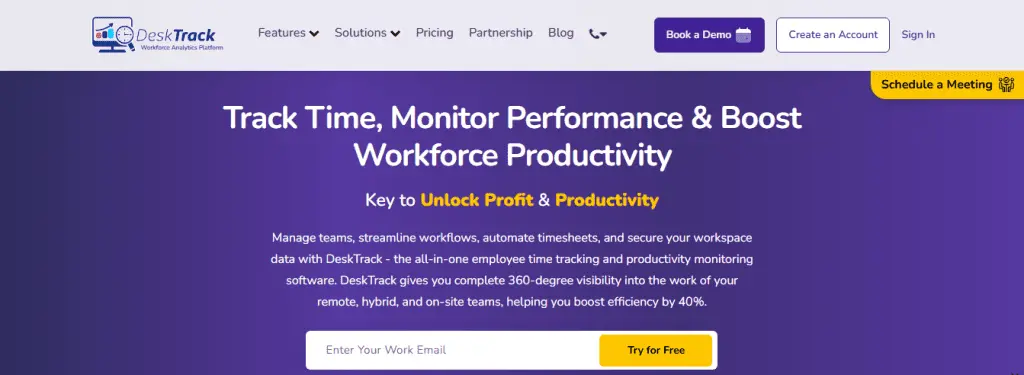
DeskTrack is the best complete employee location tracking app for your business. Whether you are monitoring your in-office, remote, or fieldwork employees and teams, DeskTrack has got you covered with all the essential features you need. From GPS and geofence-based destination monitoring to screenshot monitoring and activity tracking, DeskTrack provides you with everything in the most user-friendly interface you will ever experience.
Key Features:
- GPS and geofence-based location tracking
- Automated and automatic real-time tracking
- App, URL, and file usage monitoring
- Screenshot monitoring
- Automated blocking of blacklisted URLs
- Automatic and editable timesheets
- Integrations
- Multiple project views
- Unlimited projects, tasks, subtasks, and checklists creation and management
| Best For | Most Affordable Paid Plan | User Rating |
| Best overall | $5.99/user/month | 5/5 |
2. Connecteam
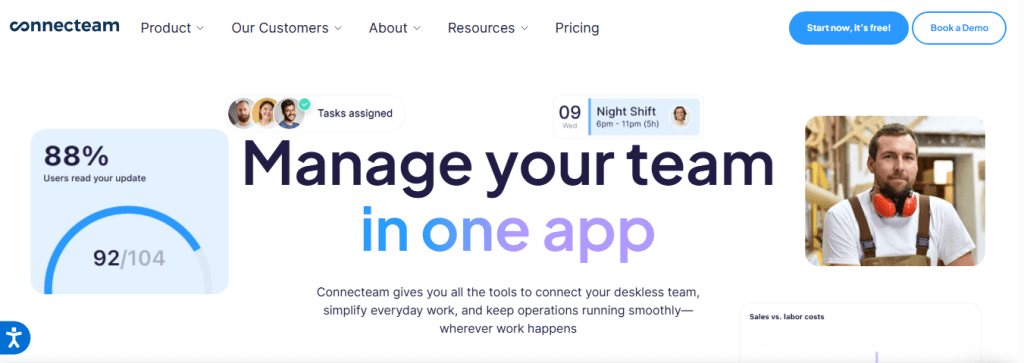
Connecteam is one of the best GPS tracking apps. Especially when it comes to monitoring field employees with GPS employee tracking. Plus, it also provides a very handy team instant messaging feature, which connects your remote and hybrid employees with your in-office teams via messaging.
Key Features:
- Real-time GPS tracker
- Geofence time clock
- Team instant messaging
| Best For | Most Affordable Paid Plan | User Rating |
| All-in-one employee tracking | $29/month for the first 30 users + $0.5/extra user/month | 4.6/5 |
3. Clockify
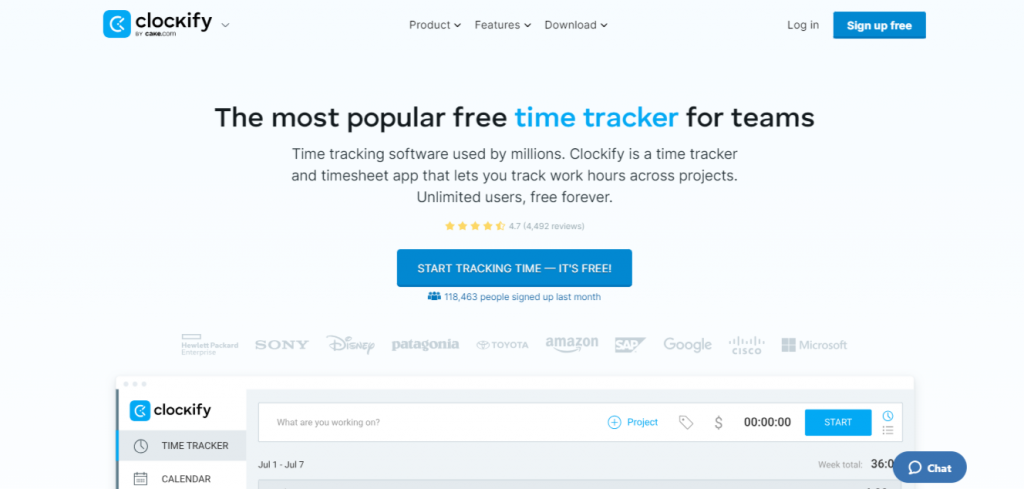
Clockify is primarily a time tracking software solution with a minimalistic user interface, but it can double as an employee GPS tracking software solution. To track task time, all you have to do is start and stop a timer to create a time block. However, its employee time tracking with GPS provides you with a kiosk-based clocking feature, which logs the locations from where the employees clock in and out.
Key Features:
- Idle detection
- Kiosk clocking (for location tracking)
- Expense tracking
| Best For | Most Affordable Paid Plan | User Rating |
| Location and time reporting | $5.49/user/month | 4.8/5 |
4. Buddy Punch
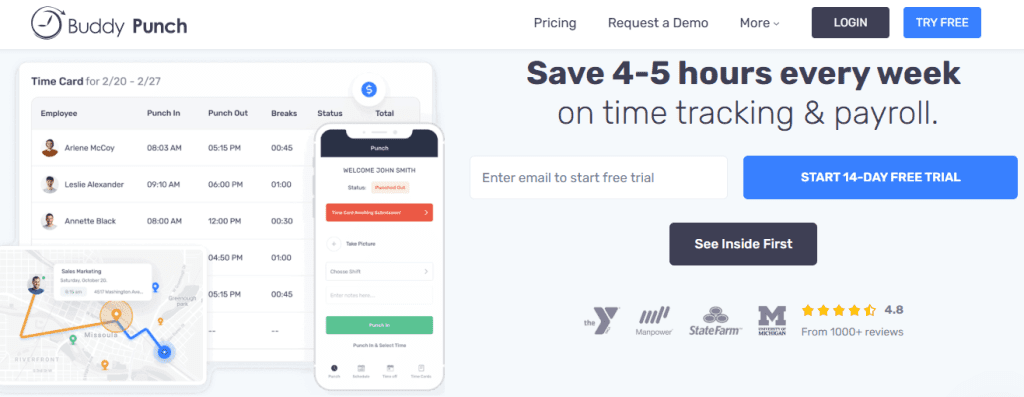
Buddy Punch is one of the best employee GPS tracking software solutions for time off request management. Furthermore, contrary to its name, it rather assists you in preventing buddy punching, which can cost you a lot.
Key Features:
- Punch rounding
- Multiple login methods
- Time off request management
| Best For | Most Affordable Paid Plan | User Rating |
| Time off management | $4.49/user/month + $19/month base fee | 4.8/5 |
5. QuickBooks Time
If you are already using other apps from Intuit for payroll and accounting, then QuickBooks Time is a great addition to your tools. This GPS tracker for employees lets you put a geofence around job sites to ensure that your employees focus more on work and less on clocking in and out of their shifts. Plus, you also get an awesome mileage tracking feature, which ensures accurate reimbursements.
Key Features:
- Set up geofences around multiple sites
- Time clock with GPS
- Employee scheduling
| Best For | Most Affordable Paid Plan | User Rating |
| Payroll and accounting integrations | $8/user/month + $10/month base fee | 4.7/5 |
6. Hubstaff
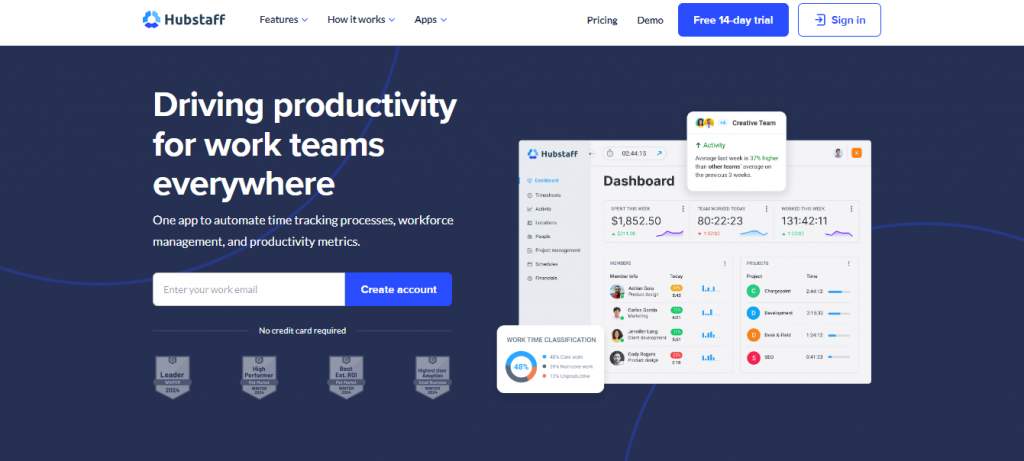
Hubstaff is a workforce management GPS software solution for organizations like yours. It comes in handy, especially if you have more remote and field workers. Some of its top features include time tracking, employee monitoring, and productivity analytics.
Key Features:
- Automatically clocks employees in and out with geofences
- Tracks the time spent at each job site
- Automatically creates employee time cards
| Best For | Most Affordable Paid Plan | User Rating |
| No-show and late employee alerts | $4.99/user/month | 4.6/5 |
7. OnTheClock
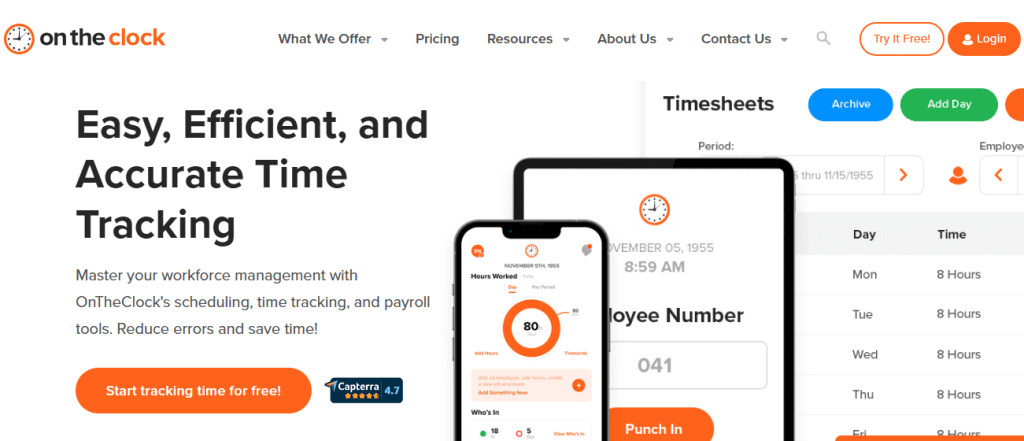
Ensure that your employees stay on the clock with the employee GPS tracking app of the same name. Get it? Well, jokes aside, the employee location tracking software provides you with a user-friendly administrator dashboard and a simple-to-use time clock for employees.
Key Features:
- Geofences to limit clock-in locations
- Employee scheduling
- GPS-enabled time clock
| Best For | Most Affordable Paid Plan | User Rating |
| Biometric clock-in | $4/user/month + $5/month base fee | 4.7/5 |
8. Time Tracker by eBility
This GPS employee tracking app on our list is simple yet effective. With a barrage of essential features, such as live location tracking, geofencing, GPS, and time tracking reports, this cloud-based time tracking software is a recommendation for small to medium-sized businesses.
Key Features:
- Live location tracking
- Geofencing and GPS
- Time tracking reports
| Best For | Most Affordable Paid Plan | User Rating |
| Task and project tracking | $11.20/user/month + $17.60 base fee | 4.4/5 |
Why is DeskTrack the Best GPS Employee Tracking App for Your Business?
Now, we hope that you have wrapped your head around the top 8 GPS employee tracking apps for work in 2026. Moreover, what if you need the entire employee monitoring software package? DeskTrack covers all the essential features to assist you in maximizing the productivity of your in-office, remote, and field teams, such as:
- App, URL, and file usage monitoring
- Project management:
- Work subdivision
- Real-time project tracking
- List and kanban view
- Customizable workflows with drag-and-drop functionality
- Detailed insights.
- Color-coded projects and tasks with statuses
- Screenshot monitoring
- GPS-based mobile clocking for fieldwork employees
- Productivity monitoring and calculator
- User-friendly employee shift scheduling
Try now and realize why you will never need another tool in this category ever again.
This ensures a balance between accountability and privacy.
Frequently Asked Questions (FAQ)
Ans. In a nutshell, GPS employee tracking software solutions are location monitoring applications that let you know where your employees are in real-time. The apps provide intuitive features, such as GPS, geofencing, time tracking, and communication tools. Ans. These key features make GPS tracking apps work. Ans. These are the 6 steps you will need. Ans. Here are the changes you can expect. Ans. When it comes to choosing the ideal GPS employee tracking solutions for small businesses, the first thing to look for is affordability. Plus, location-based employee clocking features are also a must-have. Based on that, here are a few options we can think of.gps-tracking-apps