Your daily productivity levels depend on how effectively you manage your time. Task and time management tools aid you in perfecting this requirement. These tools keep track of your work hours, ensuring that you focus on work that matters more. Depending on the various business, personal, and professional requirements, there are many such tools available in the market. However, deciding which one is ideal for you can be overwhelming.

How to Choose the Right Best Time Management Tool for Your Requirements?

Whether you want to boost your personal productivity, business productivity, or employee productivity, you will find the ideal time tracking software according to your requirements. Here’s what you need to check for.
1. Usability
What we are not looking for in a time management tool is a complex design and challenging navigation. Simply put, the interface must be user-friendly, which is:
- Feature-rich but not feature-intensive
- Easy to navigate
- Interactive
- Easy to understand
Having all these things makes the time management tools usable. Even for your non-tech-savvy workers.
2. Features
Depending on business needs and budget, online time management tools must have at least these basic features to be ideal.
- Basic time tracking and hours logging
- Detailed work-time utilization insights
- Task-based time tracking
- Multi-purpose timers
- Integrations
- Mobile access
3. Integrations
Integrations are one of the basic yet most useful features of tools for time management. In layman’s terms, this is the equivalent of a person simultaneously multitasking. Similarly, when you integrate your time management tool with, let’s say, your calendar, it will pull events right off of it and convert them into time entries. You must have already realized how such functionalities save you time and expenses.
4. Cost
Here, by cost, we mean value for money. Simply put, a cost-effective time management tool is one that has all the features you need at a competitive price. If that’s not possible, the tool must provide free or affordable add-on features.
5. Customer Support
The best time management tools provide live customer support. This is in case its users need any help. Thus, you should look for tools from trusted vendors.
Read Also: What are the Top 10 Business Management Software Options for Small Businesses?
10 Best Time Management Tools in 2026
These are the top 10 time management tools according to our expertise and experience.
- DeskTrack
- Jira
- Trello
- Todoist
- Microsoft To Do
- Monday
- Asana
- Clockify
- Notion
- ClickUp
1. DeskTrack
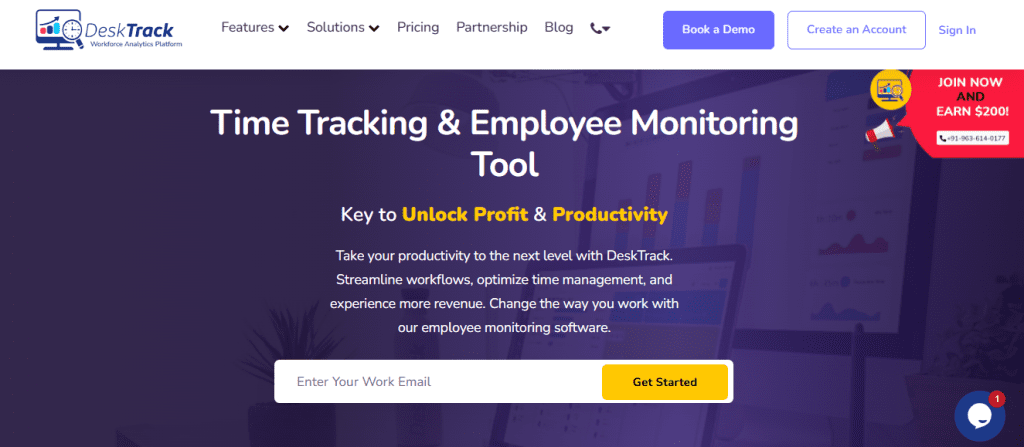
DeskTrack’s all-in-one business tool is the best employee monitoring software. Its flexible real-time tracking features are what make it a popular choice among 8000+ organizations around the world. However, what makes this tool the best is its focus on automation, ensuring that your in-office, fieldwork, and remote teams focus on actual work that matters.
Key Features:
- Built-in flexible, automated, automatic, and manual time tracking.
- Real-time URL, file, and app usage tracking
- Online and offline tracking
- Customizable features to adapt to your workflow
- login/logout time deviations
| Most Affordable Paid Plan | User Rating |
| $5.99/user/month | 5/5 |
2. Jira
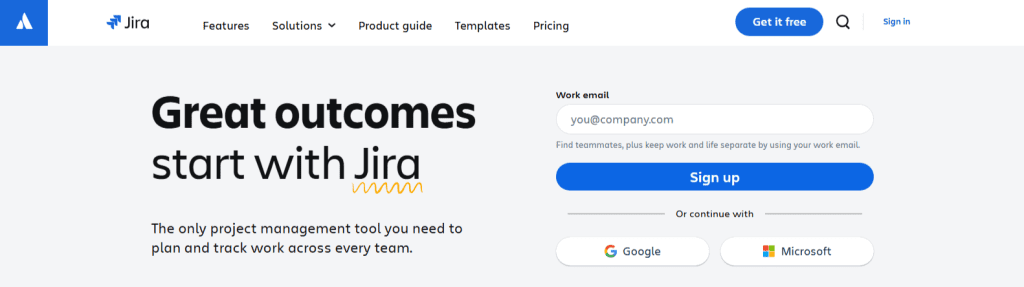
Jira’s project management software from Atlassian is one of the best tools for time management for agile teams and agile software development. Moreover, one of its strong suits is the simple yet effective collaboration features that keep the project going smoothly without breaking the workflow.
Key Features:
- Kanban boards
- Collaboration tools for team discussions and file sharing.
- Analytics and reporting
| Most Affordable Paid Plan | User Rating |
| $7.91/user/month | 4.4/5 |
3. Trello
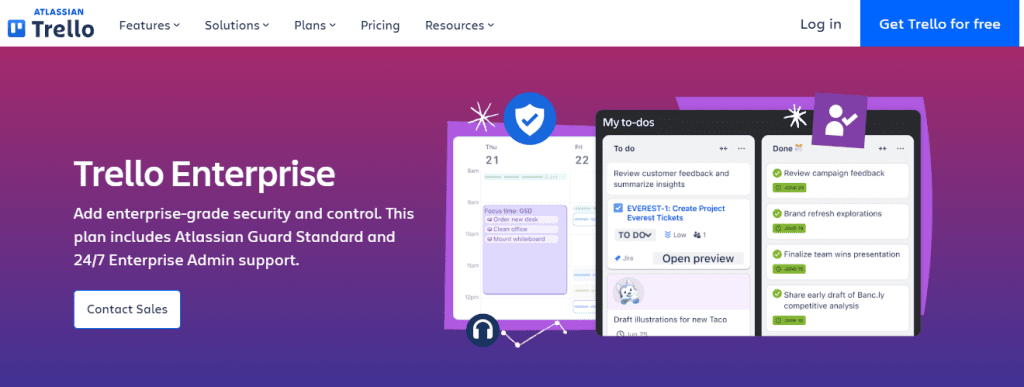
Trello is another project management software from Atlassian. It claims to have a simple and intuitive user-friendly interface with drag-and-drop functionality, making it easy to use for everyone.
Key Features:
- Task visualization boards
- Drag-and-drop functionality for task management
- Card comments, checklists, and file attachments
| Most Affordable Paid Plan | User Rating |
| $5/user/month | 4.5/5 |
4. Todoist
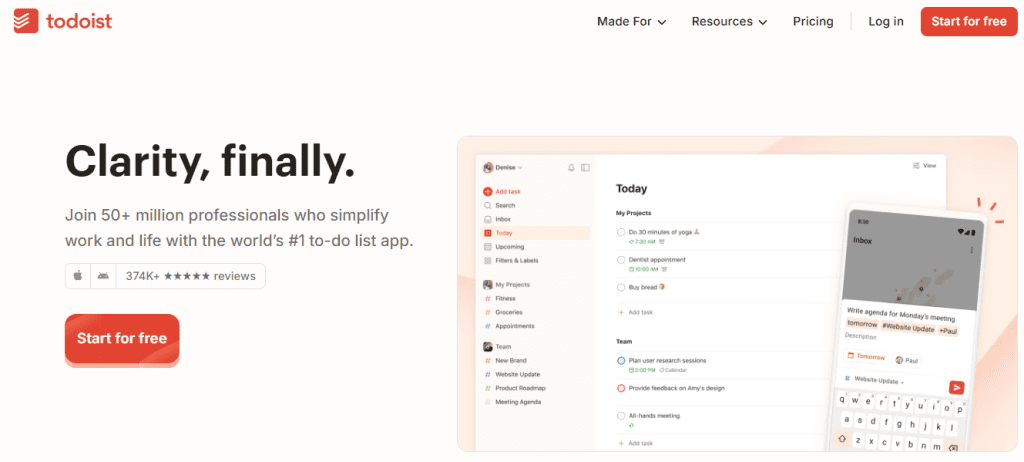
This to-do list application is another decent time management tool on our list. It’s also one of the top task management software solutions known for its minimalistic interface. Overall, Todoist is a cost-effective solution for small businesses and SMEs due to these key features.
Key Features:
- Robust task creation
- Recurring tasks
- Project management functionalities
| Most Affordable Paid Plan | User Rating |
| $2/user/month | 4.6/5 |
5. Microsoft To Do
Microsoft To Do’s task and time management tool is the ideal pick for Microsoft users. The statement that it is integrated with other tools from the software developers backs our claim. Overall, the interface is similar, and it’s easy to use as well. What more can you ask for?
Key Features:
- Simplified task creation
- MyDay task view to see tasks, priority-wise
- Microsoft Outlook tasks integration
| Most Affordable Paid Plan | User Rating |
| Quote on contact | 4.6/5 |
6. Monday
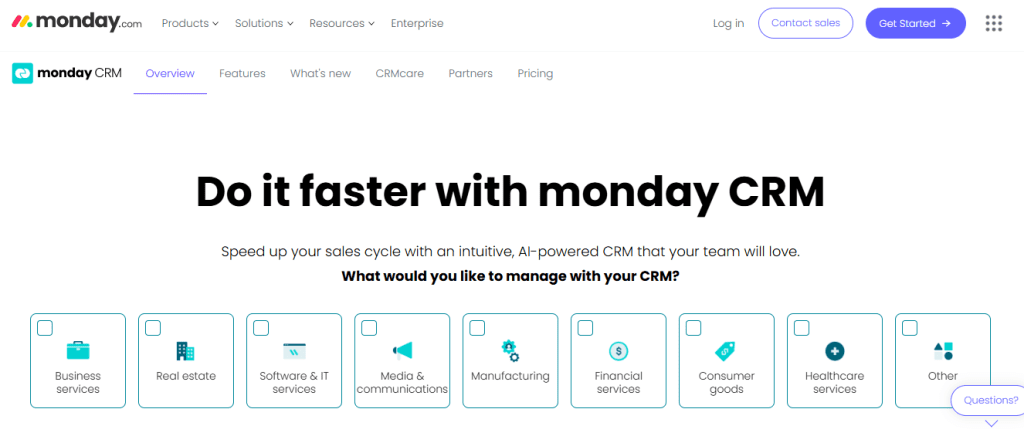
Monday is a flexible project management and collaboration tool that’s known for its customizable features. Also known as a work operating system, this one can easily handle heavy loads of some of the most complex tasks, adapting to the workflow.
Key Features:
- Flexible building blocks for simplified boards and list view creation
- Customizable workflows
- Task automation tools
| Most Affordable Paid Plan | User Rating |
| $9/user/month | 4.6/5 |
7. Asana
Asana is another well-known project and time management tool known for 3 things: clarity, communication, and team goals. To live up to these standards, it provides these key functionalities.
Key Features:
- List and board views
- Goal setting and tracking
- Built-in time tracking
| Most Affordable Paid Plan | User Rating |
| $10.99/user/month | 4.5/5 |
Read Also: Top 10 Best Employee Scheduling Software for Businesses in 2026
8. Clockify

Clockify gets you started with time tracking in an instant. All you have to do is create a project, add a task or work description, and start and stop a timer as you go along to record work hours. Plus, each time entry is a time block with minimalistic details and interface, making it easy to use and understand.
Key Features:
- Detailed timesheets
- Reporting tools
- Project management and communication tool integrations
| Most Affordable Paid Plan | User Rating |
| $5.49/user/month | 4.8/5 |
9. Notion
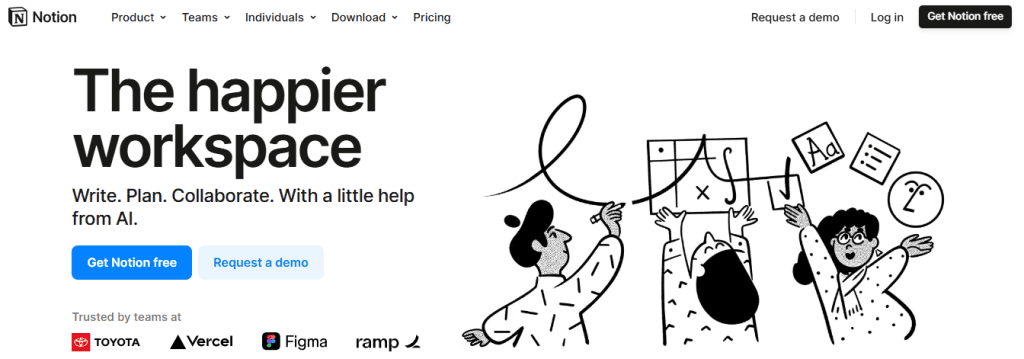
Notion is again known for 3 things: project collaboration, note-taking, and task management. Administrators can tailor the workspaces to their teams’ requirements with its customization options, which is what makes it a good pick for SMEs and established freelancers.
Key Features:
- A freely customizable workspace with blocks for text, lists, tables, etc.
- Robust task management features
- Board view
| Most Affordable Paid Plan | User Rating |
| $10/user/month | 4.7/5 |
10. ClickUp

ClickUp’s work management software is a robust tool when it comes to project management and time tracking. Not only can it integrate with many other apps you use, but it also has a powerful AI assistant that can, for example, assign tasks to your employees based on context.
Key Features:
- Flexible list views, boards, and mind maps
- Goal setting and tracking
- Built-in time tracking
| Most Affordable Paid Plan | User Rating |
| $7/month | 4.6/5 |

Maximize Productivity With DeskTrack’s Employee Monitoring Software
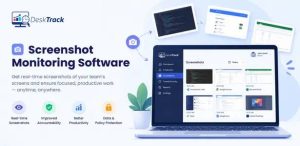
DeskTrack’s most prominent feature to date is real-time employee screenshot monitoring for streamlining workflows and maximizing employee productivity. Timely screencaps let you notice patterns and identify and fill gaps at the right time. That too, without intervening with the workflow due to the group chat feature, which works anywhere. Plus, DeskTrack’s productivity monitoring, time tracking, project management, and employee monitoring features interconnectively work to match efficiency with expectations. Try now and realize why businesses, such as yours, prefer it in 100+ countries.
Frequently Asked Questions (FAQ)
Q. What are Time Management Tools?
Ans. Tools for time management are feature-rich applications that help you increase efficiency and productivity by matching your performance levels with expectations. Regularly using the tool assists you in identifying unproductive work-time utilization patterns and working to minimize them.
Q. How to Choose the Best Time Management Tool for Your Business?
Ans. Here’s what you should look for when researching time management tools.
- Usability
- Features
- Integrations
- Cost
- Customer Support
Q. How Do Time Management Tools Increase Productivity?
Ans. Time management tools increase productivity based on the time used to perform certain activities. Using the automation tools, employees can identify repetitive, non-useful, and recurring work patterns to streamline workflows and boost work-time utilization levels.
Q. Are Time Management Tools Suitable for Personal Productivity?
Ans. Yes, time management tools are suitable for increasing your productivity at a personal level as well. For example, if you want to make dishwashing more efficient, you can use a good time tracking tool to identify time-consuming patterns in this errand and improve the focus on the chore.
Q. What are the Top 10 Tools for Time Management?
Ans. Here are our top picks.
- DeskTrack
- Jira
- Trello
- Todoist
- Microsoft To Do
- Monday
- Asana
- Clockify
- Notion
- ClickUp