Are you looking for the leading time clocks for your small businesses? Your search ends here as you have come across the right page. You see, proper time management is the aspect that streamlines efficiency, reduces expenses, and eliminates overwhelm and procrastination.
However, you are already aware of all this. It’s nothing new for you. However, what you might not know is that the proper time clock systems for small businesses can automate 100% of time tracking, as installing one eliminates the need for manual time entries. This increases work focus, efficiency, and whatnot.
Comparing the Top 10 Time Clocks for Small Businesses
| Software Name | Best For | Most Affordable Paid Plan | Top Features | User Rating |
| DeskTrack | Preventing unnecessary project delays and unauthorized overtime. | $5.99/user/month | Automatic time tracking with data analysis, integrations, and automatic time categorization | 5/5 |
| Everhour | Teams requiring a powerful work-hour monitoring and reporting solution | $8.50/user/month | User-friendly interface, flexible time tracking, and comprehensive reporting | 4.7/5 |
| TimeCamp | Individuals, freelancers, and small and large businesses | $1.49/user/month | Automatic time tracking, project management, and invoicing | 4.7/5 |
| Timely | Automatic time tracking, project management, and workforce management | $9/user/month | Automated time tracking, project-centric organization, and real-time collaboration | 4.7/5 |
| Connecteam | Businesses. Especially, the small and medium-sized businesses that manage teams of deskless or frontline workers | $29/month | Communication hub, project and task management, and mobile workforce management | 4.6/5 |
What is the Best Time Clock for Small Businesses?
The best time clock for small businesses is a tool that helps accrue attendance monitoring. The clock records employees’ in and out times to mark them as present or absent based on your initial configuration. Its advanced features, like GPS, help fieldwork employees conveniently clock in and out from anywhere.
This ensures a balance between accountability and privacy.
Types of Employee Time Clocks for Small Businesses
According to your financial limits and requirements, you can select one of these 3 types of time clock software for small businesses.
1. Traditional Punch Clocks
You insert a punch card into a slot before leaving for home and after reaching the workplace. This logs you in and out of your shift. These are the most affordable and basic devices, which you use to mark worker attendance. However, anyone can manipulate or tamper with them quite easily.
2. Biometric Time Clocks
These are upgraded versions of traditional punch clocks that verify your employees’ biometrics. Employees either have to verify their fingerprint or a similar identity to mark their shift times. Plus, the data is more precise.
3. Software-Based Time Clocks
Also known as employee time tracking software or employee time clocking software solutions, these are the most advanced type of small business time clocks. The solutions easily integrate with the other tools you use while automatically recording employee hours and not just the in and out hours.
Why Does Your Small Business Really Require a Time Clock?
Here are 4 strong reasons small business owners must switch to the best time clocks from their traditional timesheets.
- Efficiency: Time clocks are much more efficient and less prone to errors than manual timesheets.
- Insights: Employee time clocking solutions also provide useful insights via analysis and reports, helping small business owners improve efficiency and productivity.
- Compliance: These clocks and clocking software solutions keep self-upgrading with the ever-changing FLSA labor laws to keep you compliant.
- Accuracy: Using time clocks gives you the accurate information you need to evaluate employee clocking trends and reduce absenteeism.
What Features to Look for in the Time Clocks for Small Businesses Company?
Do you have the teams, time, and resources to pick the best time clock for your small business? If yes, then you should start with these 8 functionalities, which are a must-have in the tool.
1. Ease of Use
Firstly, the small business clock-in clock-out application you implement must be simple to use. Simply put, that’s because not all your people are technically sound—for instance, the sales and SEO teams. So, an easy-to-use interface ensures there is no steep learning curve and quick implementation.
2. Multi-Platform Support
Look for small business time clocks that provide multiple clocking options. Clocking from kiosks, biometric attendance systems, mobiles, and other options make it convenient for your remote and fieldwork employees.
3. Offline Functionality
Choose a time clock for small businesses that even works offline or during low internet connectivity. The only con to this is that the data will only sync once you are back online.
4. Clocking Options
The tool must also offer multiple options for your human resources to mark and track their daily attendance. That too, in real-time. This saves the time and money required for the same and, again, ensures boosted focus on the task at hand. For example, GPS and Geofenced clocking.
5. Anti-Fraud
Look for time clocks for small businesses that ensure that the employee who clocks in is the one who shows up to the workplace. For example, look for anti-fraud features such as PIN, biometric, or password login.
6. Customer & Compliance Support
Just in case there is any issue, the employee time clocks for small business providers must also offer 24/7 customer support. Additionally, look for software that complies with the current labor law guidelines to avoid any legal claims or lawsuits.
7. Analytics & Reporting
The solution for a time clock for a small business must also offer robust analytics and reporting features. This is crucial for identifying potential efficiency delays, work gaps, time productivity losses, absenteeism, presenteeism, and other issues to solve on the spot before it’s too late.
8. Affordability & Scalability
The tool you choose for time tracking must also be affordable. Moreover, we are looking for a cost-effective software solution that can provide us with all the time-related features we require. This is crucial for small businesses as they have a tight budget for everything. Additionally, the online time clocks for small businesses must also be scalable to blend in with growing company workflows.
Mistakes to Avoid When Choosing a Time Clocks for Small Businesses
We have read online complaints and surveys saying that employers have to switch to a different time clock app within a week or a month after implementation. That’s because they make these 4 common mistakes.
- Skipping employee Feedback: Your employees are the ones who will be using the clocking software every workday, so their opinion on the features, interface, etc., matters.
- Forgetting Payroll Integration: Implementing an online time clock for small businesses without payroll integration will only increase the workload and can lead to errors.
- The Cheapest Pick: The wise always say that the cheaper buyer takes no meat. This is true everywhere. You see, cheap time clock solutions never provide the most important features, no matter how amazing they appear.
- Avoiding Training: Even if you pick a simple-to-use time tracking solution, such as DeskTrack, a little training is still helpful to get acquainted with all the features. It’s much better than to have confusions in the long run.
How to Pick the Best Time Clocks for Small Businesses?
Here are your prerequisites for selecting the top online time clock for small businesses.
1. Analyze Your Workforce Type
Do you have fieldwork or remote employees? Then, we recommend choosing a time clock with good internet connectivity. The reason is that your fieldwork and remote employees can be working from anywhere, so you need real-time data to track their attendance.
Furthermore, according to HBS Research, 72% of employees report improved work performance due to flexible hours, making mobile-first time clocks essential for remote workers.
2. Evaluate Integrations
The best time clocks for small businesses seamlessly integrate with the other apps you use. This is a time-saving feature that you can’t avoid. For example, integration with your payroll system automates the process, freeing up more hours for critical work for HR.
3. Consider Compliance Requirements
Especially in compliance-heavy industries, such as law and healthcare, there are stringent guidelines. So, small business owners must pick time clock software solutions that strictly adhere to these rules.
Once you are done with the prerequisites, it’s essential to prepare your employees for adoption. This ensures that they can easily use the said solution. Additionally, choosing a time clock software solution that adapts to your workflow is also strongly recommended.
How Much Are Employee Time Clocks for Small Businesses Priced At?
- Free Options: Affordable employee time clocks for small businesses are also available. The most affordable ones are the free versions. However, as we mentioned before, don’t expect much from these.
- Per-User Pricing: On average, these clocks cost $2-10/user/month. Moreover, some vendors also charge a base fee regardless of team size. However, you must only set the budget based on your headcount.
Want a Time Clock Software that Scales as Your Business Does?
Get started with DeskTrack’s automated attendance and time tracking software today.
Top 10 Time Clocks for Small Businesses in 2026
For all of you small businesses out there that don’t have enough teams, time, and resources for it, we have tried, tested, and shortlisted 10 of the best time clock systems for small businesses. We have provided an overview, key features, best use case, most affordable paid plan, and user rating with each option to ensure that you make a wise choice.
- DeskTrack
- Everhour
- TimeCamp
- Timely
- Connecteam
- Jibble
- ClockShark
- Buddy Punch
- Hubstaff
- Clockify
1. DeskTrack
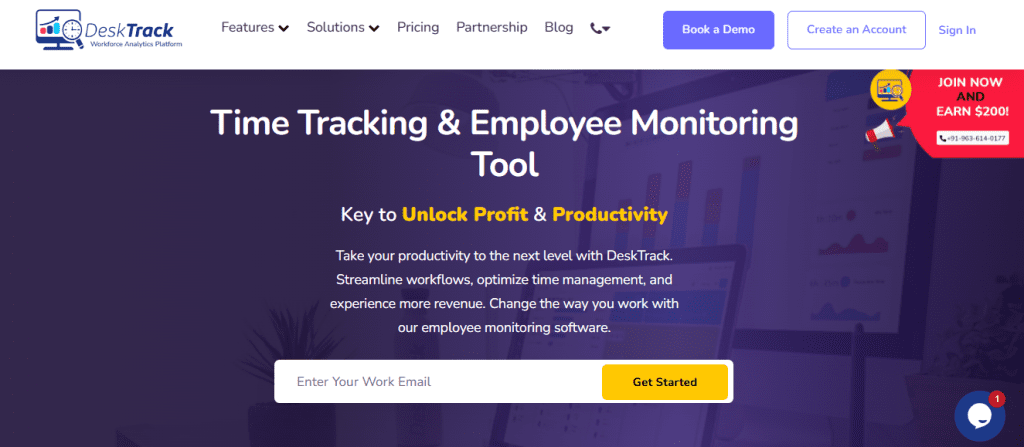
The complete feature set of DeskTrack goes beyond employee clocking and work-hour monitoring. Primarily, this employee monitoring software, with time and data analytics, is flexible enough to be compatible with Linux, Windows, macOS, Android, and iOS. Plus, it has the most practical features to maximize the efficiency and productivity of your remote, hybrid, field, and in-office teams. Also, did we mention that it all works in real-time?
Key Features:
- Automatic time tracking with data analytics
- An Automated time tracker web app with pause, resume, start, and stop
- Integrations
- Automatic time categorization
- Automatic timesheets
- Mobile accessibility
- One tap employee clocking
- GPS-based time tracking
- Multiple task views, including a color-coded calendar view
- Time deviation between clock-in/system login and system logout/clock-out
| Best For | Most Affordable Paid Plan | User Rating |
| Best overall | $5.99/user/month | 5/5 |
This ensures a balance between accountability and privacy.
2. Everhour
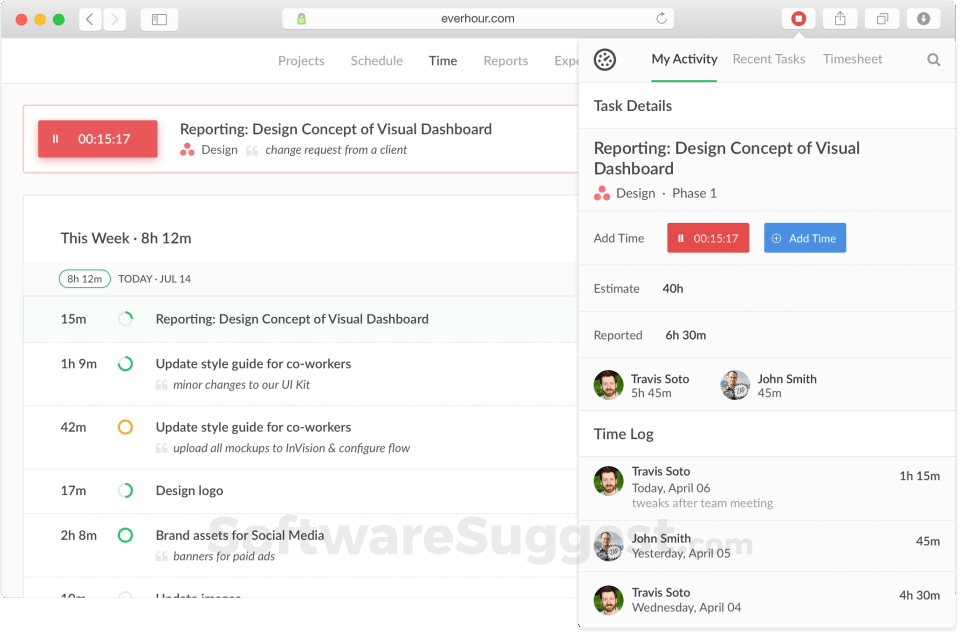
Everhour claims to have amazing features to optimize time tracking and workforce management for you. Tailored for small businesses, this tool provides you with a user-friendly interface at a cost-effective price.
Key Features:
- User-friendly interface
- Flexible time tracking
- Comprehensive reporting
| Best For | Most Affordable Paid Plan | User Rating |
| Teams requiring a powerful work-hour monitoring and reporting solution | $8.50/user/month | 4.7/5 |
3. TimeCamp
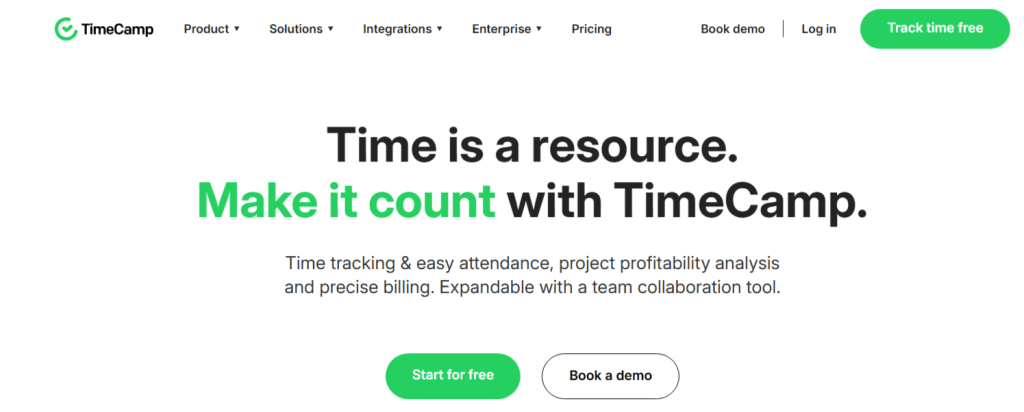
TimeCamp is a simple yet effective time clock application for small businesses. The software solution aims to skyrocket employee productivity by making work-hour monitoring efficient, precise, and effective.
Key Features:
- Automatic time tracking
- Project management
- Invoicing
| Best For | Most Affordable Paid Plan | User Rating |
| Individuals, freelancers, and small and large businesses | $1.49/user/month | 4.7/5 |
4. Timely
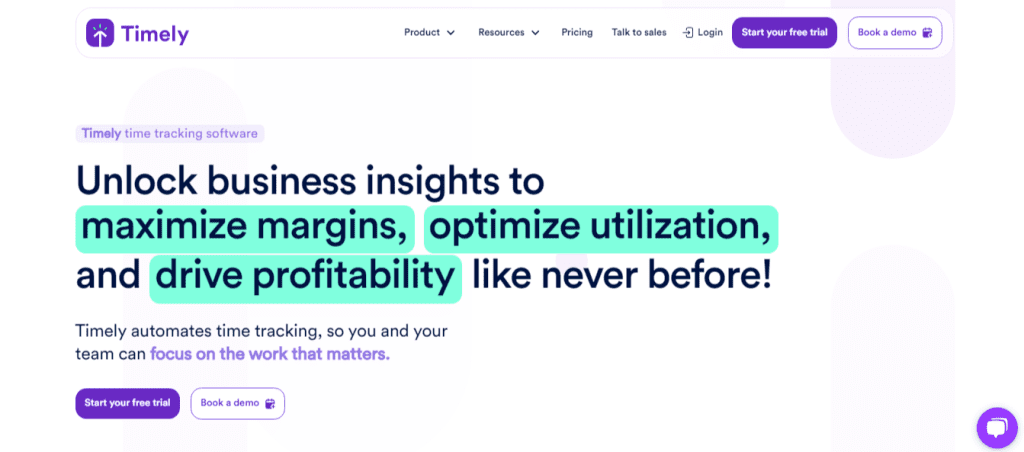
Timely’s hour tracker app is one of the simplest solutions for small businesses for employees to track attendance, clock in and out, and monitor time. However, one of the most useful features it provides you with is the project-centric organization dashboard.
Key Features:
- Automated time tracking
- Project-centric organization
- Real-time collaboration
| Best For | Most Affordable Paid Plan | User Rating |
| Automatic time tracking, project management, and workforce management | $9/user/month | 4.7/5 |
5. Connecteam
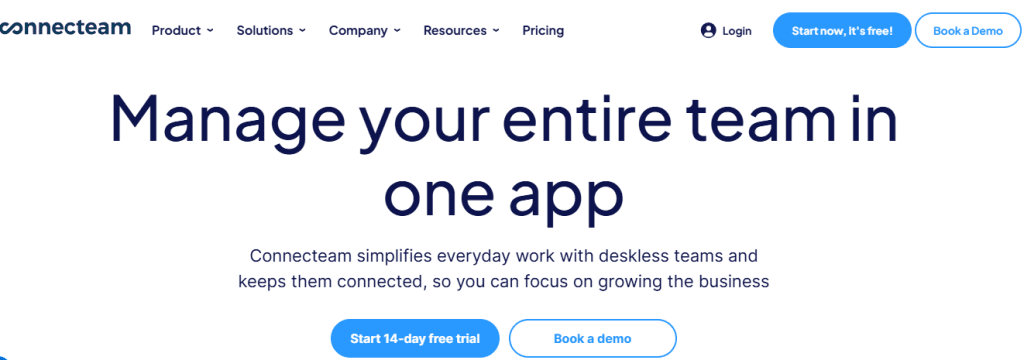
Connecteam is the app for a time clock for a small business, which is one of the best for your remote teams. Plus, it also works like a centralized hub for all your team interactions with its various channels and the messaging app.
Key Features:
- Communication hub
- Project and task management
- Mobile workforce management
| Best For | Most Affordable Paid Plan | User Rating |
| Businesses. Especially, the small and medium-sized businesses that manage teams of deskless or frontline workers | $29/month | 4.6/5 |
6. Jibble
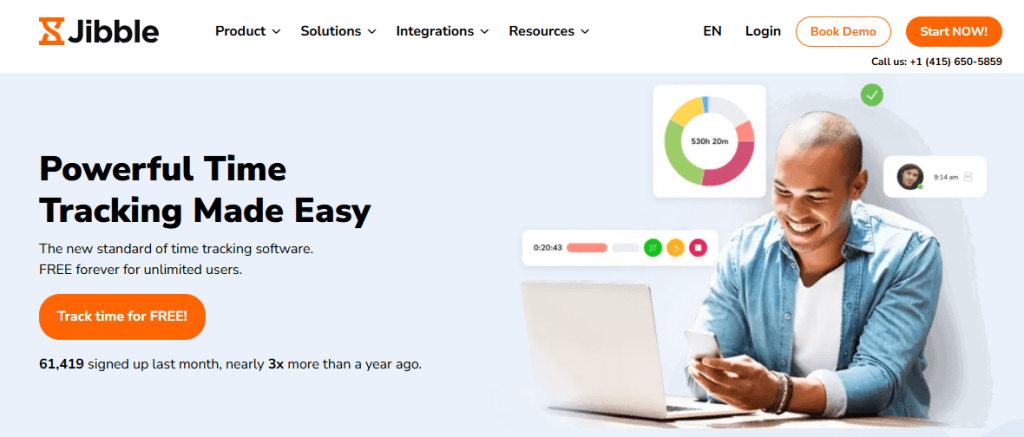
Jibble is a multi-industry time tracking software solution, customizable to the various requirements of small businesses. The main focus of this solution is on making time clock management and attendance tracking efficient with its multitude of features.
Key Features:
- Flexible employee clocking options
- Project and task tracking
- Automated timesheet generation
| Best For | Most Affordable Paid Plan | User Rating |
| Businesses requiring a robust and free time tracking and attendance management system | Quote on contact | 4.9/5 |
7. ClockShark
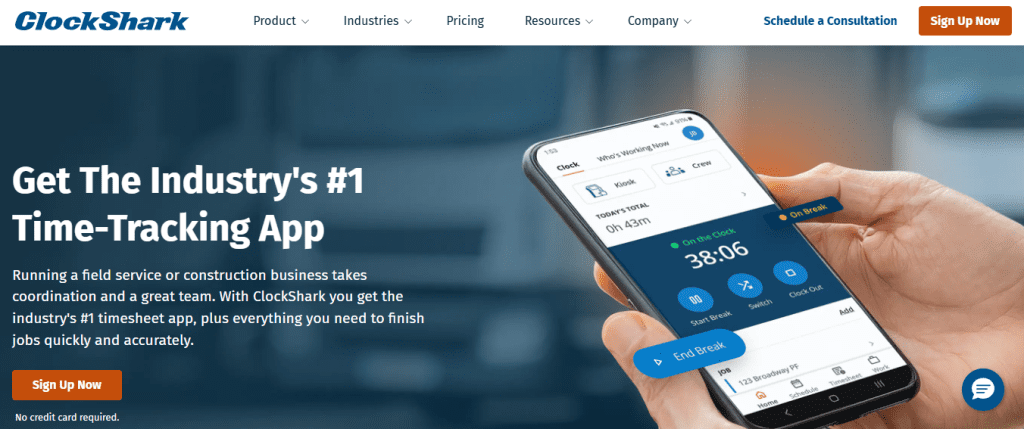
Small businesses with field teams choose ClockShark for tracking work hours on the go. Additionally, the team scheduling feature makes it easy to make, share, update, and manage schedules with your teams and workers.
Key Features:
- Time tracking with GPS
- Flexible time tracking options
- Task management and scheduling
| Best For | Most Affordable Paid Plan | User Rating |
| Integrated CRM and invoicing | $9/user/month + $40/month base fee | 4.7/5 |
8. Buddy Punch
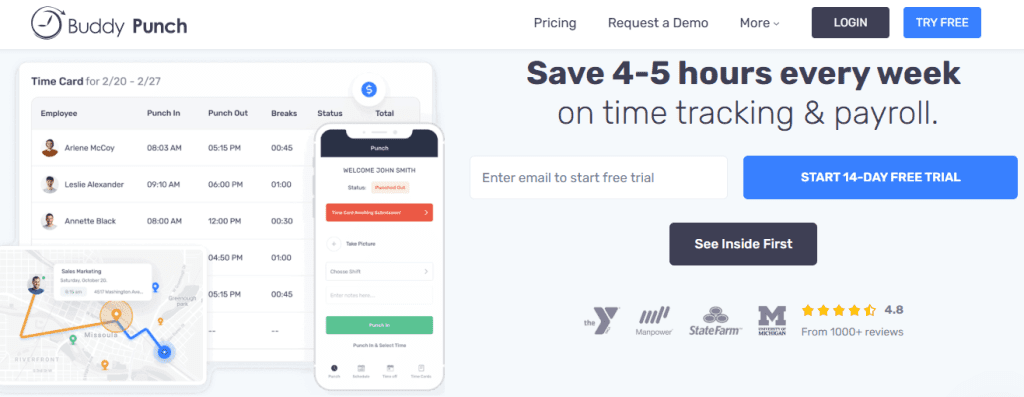
Ironically enough, Buddy Punch prevents buddy punching in your organization. What it does is simplify time tracking, payroll, and scheduling with its plethora of features and functionalities. Not only that, you can also use it to track breaks.
Key Features:
- Flexible clock-in options
- Scheduling and real-time monitoring
- Job costing
| Best For | Most Affordable Paid Plan | User Rating |
| Flexible clocking options | $4.49/user/month + $19/month base fee | 4.8/5 |
9. Hubstaff
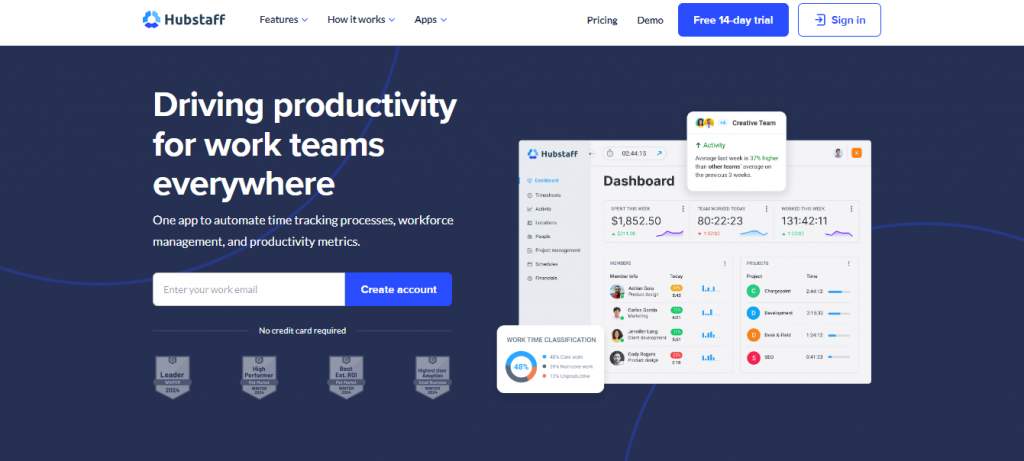
Hubstaff is again one of the best time clock tools for remote teams and employees. Additionally, you also get integrated productivity metrics and a payroll solution. Furthermore, the project cost and budgeting feature is useful for executing every project without any expense.
Key Features:
- Employee timesheets
- Insights
- Employee scheduling
| Best For | Most Affordable Paid Plan | User Rating |
| Businesses with field and in-office staff | $4.99/user/month | 4.6/5 |
10. Clockify

Clockify is a simple yet effective software solution for tracking staff hours. All you have to do is start and stop a timer as you work to create a time block. You can easily arrange tasks by projects to keep the dashboard mess-free. However, that’s all there is to it. You won’t get any feature to identify employee efficiency.
Key Features:
- Timer
- Reports
- Scheduling
| Best For | Most Affordable Paid Plan | User Rating |
| Minimalistic user interface | $5.49/user/month | 4.8/5 |
Ready for Next-Level Time Tracking Accuracy?
Get started with the 15-Day free trial and experience the DeskTrack advantage
Conclusion
Now, we hope that you are clear about all the top 10 time clocks for small businesses and the apps and software solutions for them in 2026. We learned that time clocks are a great way to mark employee attendance, and advanced solutions even track work hours. However, all of these never tell the real reason behind low work-time utilization efficiency and why you are going in loss when employees are dedicating overtime hours. For added clarity on this, try DeskTrack’s all-in-one time tracking software that provides real-time reports and analysis. Try now for 15 days and realize why you will never need another business software ever again.
Frequently Asked Questions (FAQ)
Ans. A time clock solution for small businesses is an application or software that automates and accrues time and attendance. It also saves time and improves efficiency as workers can conveniently clock in and out from anywhere they are located during work hours. Ans. You need to look for these key features in the time clocks for small businesses that you research and shortlist first. This ensures that you end up implementing the ideal clock according to your needs. Ans. Here’s a shortlist of 10 of the best options in this category of time clocks for small businesses for you. The expert list will help you choose your ideal time clock to accrue time and attendance tracking. Ans. A time clock for your small business provides you with many benefits, such as streamlined work hours and attendance tracking. Tracking employee hours also provides you with detailed insights to improve the work-time utilization efficiency of your workers and teams. Ans. The cost of employee clocking and work-hour tracking apps and software solutions varies depending on the features and other aspects. However, on average, the price is around $2-10/user/month. Plus, there might also be a base price, which you need to look out for. Ans. Using time clocks is very easy, even for non-tech-savvy employees. How it works is that employees have to simply use a PIN, password, or their biometrics to verify their presence during in and out times. Doing so marks their shift as complete. time-clocks-for-small-businesses